Takealot Auto Promotions
Mar 18, 2026 by Dihan Stoltz · 12 min read
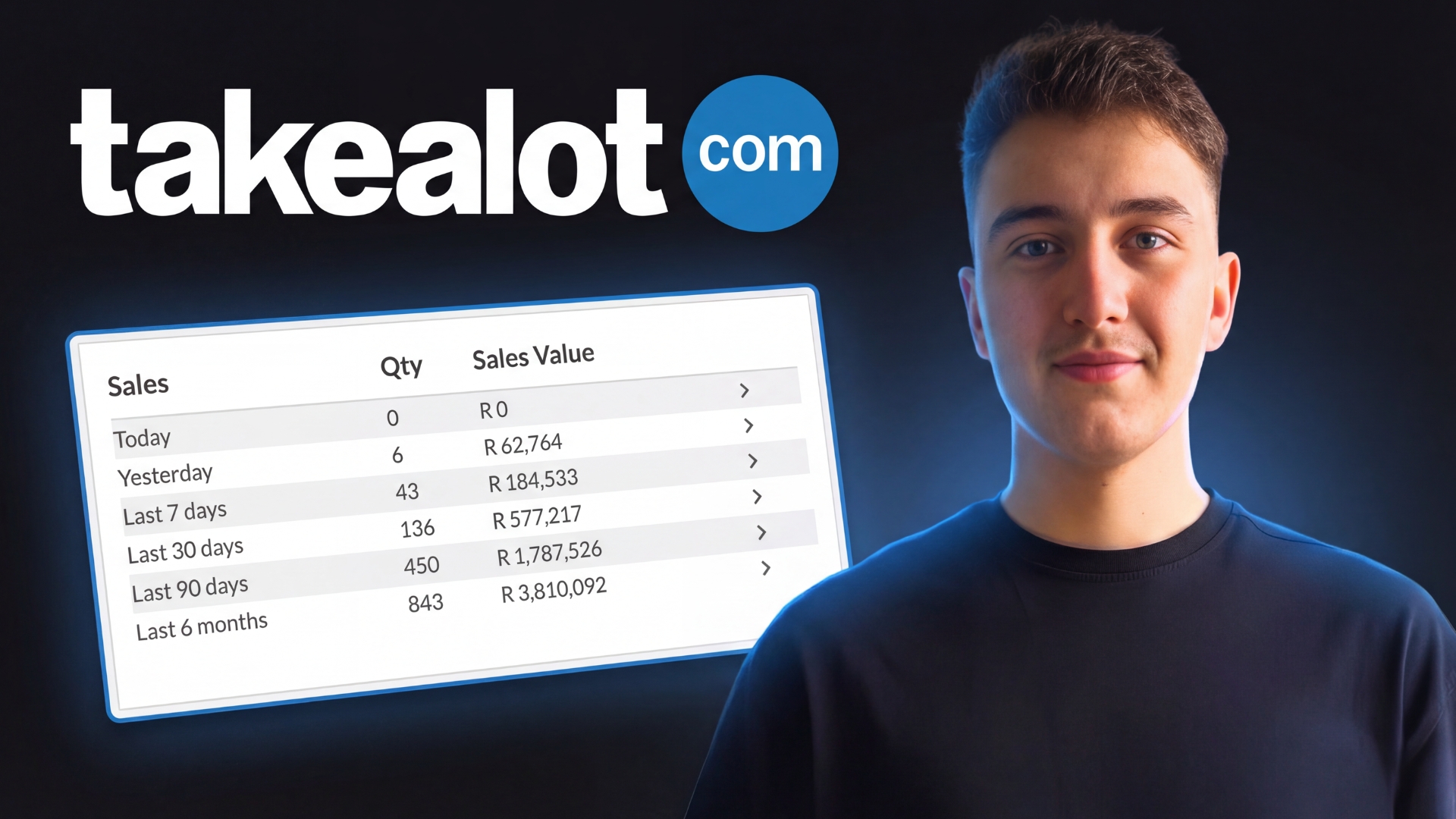
Running promotions on Takealot is probably the biggest opportunity there is in 2026 to grow your Takealot account. The amount of traffic that promotions generate is massive, but historically, entering promotions has been a tedious, manual process. You had to go to Takealot, check if your products were eligible, review the rules, download an Excel sheet, edit it manually, and then upload it back. That's exactly why we built TSeller's auto promotions tool — to automate the entire process. In the last five promotions we've entered, we've generated a total of R252,000 worth of revenue from promotions alone. That's money we wouldn't have made if we hadn't applied. Let me break down exactly how the promotion tool works and how you can use it to scale your Takealot account.
The Problem with Manual Promotions
Before TSeller, entering a Takealot promotion was a multi-step nightmare. You'd have to manually visit the Takealot promotion page, check if your products were eligible for that specific campaign and category, read through all the rules (minimum sales requirements, review ratings, stock requirements), download the Excel template, manually edit the pricing and quantities, and then upload it back to Takealot. Most sellers either didn't know how to do this properly, found it too time-consuming, or simply forgot about promotions altogether. The result? They missed out on thousands of rands in potential sales every single month.
What TSeller Auto Promotions Does
TSeller's auto promotions tool handles the entire process for you. When you click on a promotion, it shows you exactly which products are eligible and which are not. It creates the upload file automatically. It helps you with pricing by showing your cost breakdown and margin calculations. And then it prepares everything for upload to Takealot. The whole process that used to take 30-45 minutes now takes less than 5 minutes.
Getting Started: Accessing Auto Promotions
To access the auto promotions feature, log into TSeller on the web (tseller.co.za) using your regular login details. On the left-hand sidebar, click on 'Auto Promotions'. This is where you'll see all promotion-related features including your performance overview, upcoming promotions, templates, and promotion results.
Performance Overview
The first thing you'll see in the auto promotions section is your performance overview. This shows you your total revenue from promotions, total sales, how many units you've sold through promotions, and how many campaigns you've actually entered. This data helps you understand the real impact promotions are having on your business. For context, our performance shows R252,000 in total revenue from just five promotion campaigns.
Understanding Upcoming Promotions
The 'Upcoming Promotions' section pulls all available Takealot promotions directly into TSeller, showing each promotion's title and status (Open, Closed, Expired, or Live). Each card displays a category indicator showing how many product categories can enter — some promotions are category-specific while others like 'Deals We Love' accept all 180+ categories. Click 'View Details' to see the specific rules: in-stock requirements, minimum sales thresholds, review ratings, and category matching. TSeller automatically checks your offers against all these rules.
Checking Product Eligibility
This is where TSeller saves you the most time. Instead of guessing whether your products qualify for a promotion, TSeller does the checking for you. Click on 'View Details' for any promotion, scroll down, and click 'Apply'. TSeller will automatically scan your catalog and show you exactly which products are eligible for that promotion. If no products match the requirements, you'll see 'No offers found' — no more wasted time trying to enter products that won't be accepted.
The TSeller Workflow
Here's the reality: entering a Takealot promotion manually used to take 45 minutes of spreadsheet wrestling. With TSeller, it's a streamlined 5-minute workflow. Select an open promotion and click 'Apply' — TSeller instantly scans your entire inventory against the promotion rules and shows only eligible products. Filter by overstock, storage fees, or view all. Select your products, then watch the magic happen: TSeller's real-time cost breakdown shows exactly how each discount percentage affects your margins. Drop 5%? See your new profit instantly. Drop 10%? Still profitable? Go for it. Enable 'Allow Incoming Stock' if you're sending more units, or 'Allow Lead Time' for products you'll fulfil later (check the rules first). TSeller flags any issues — quantity minimums, value thresholds — before you waste time. One click generates your file, another opens Takealot's upload page. Upload, submit, done. What used to be a dreaded admin task is now something you can do between coffee refills.
Smart Filters: Let TSeller Pick Your Winners
Not sure which products to promote? TSeller's templated applications do the thinking for you. Choose 'Overstock' to surface products with 30+ days of stock cover — perfect for clearing inventory while still turning a profit. Select 'High Storage Fees' to target items eating into your margins at Takealot warehouses. Go with 'Best Sellers' to double down on what's already working and capture even more market share during high-traffic promotion periods. Pick 'Most Wanted' for products with the highest page views — these browsers just need a discount nudge to become buyers. Or use 'New Product Launches' to give products added in the last 45 days the sales velocity and reviews they need to gain traction. Each filter instantly generates a promotion-ready product list. No guesswork, no spreadsheets, just smart inventory decisions.
Using Templates for Quick Promotion Files
If you want to create a promotion file based on a template filter rather than a specific campaign, click 'Templates' in the auto promotions section. Select a filter (e.g., 'Overstock'), and TSeller will show you all products matching that criteria. You'll follow the same pricing and quantity workflow, but instead of submitting to a specific promotion, you'll have a ready-made file for any all-categories promotion like 'Deals We Love'. This is perfect for sellers who want to regularly clear overstock or push new products through promotions.
Manual Promotion Application
For sellers who want complete control, the 'Promotion Application' option lets you manually select any products from your entire Takealot catalog. There's no eligibility checking and no template filters — just a full list of your products where you select what to include, set prices, and generate the file. This is useful when you know exactly what you want to promote regardless of smart filter recommendations.
Tracking Promotion Results
The 'Promotion Results' section shows all promotions you've entered and their performance. Click on any promotion dropdown to see a detailed breakdown of what sold, how many units, and the revenue generated. This data is crucial for understanding which types of promotions work best for your products and refining your strategy over time.
Why Sellers Are Sleeping on Promotions
It's actually crazy how many Takealot sellers don't enter promotions. The reasons are usually: they don't know how to do it, it was too tedious before (downloading Excel sheets, manual editing, figuring out rules), or they simply forget about them. But the traffic that Takealot promotions generate is massive. These are curated deals that Takealot actively pushes to millions of shoppers. If your product is listed in a promotion, it gets visibility you simply can't buy otherwise.
The ROI of Promotions
R252,000 in revenue from five promotions. That's money that wouldn't exist if we hadn't applied. Even with the discounted prices, promotions drive volume that compounds: more sales mean better organic ranking, better ranking means more visibility, more visibility means more sales even after the promotion ends. And with TSeller, entering a promotion takes 5-10 minutes. The return on that time investment is extraordinary.
Conclusion
Takealot promotions are one of the biggest opportunities available to sellers in 2026. The traffic is massive, the conversion rates are high, and the process — which used to be painful — is now automated with TSeller. Our auto promotions tool shows you exactly which products are eligible, helps you price them profitably with real-time margin calculations, generates the upload file automatically, and tracks your results so you can optimize over time. We've generated R252,000 in promotion revenue from just five campaigns. That's not luck — it's consistent execution of a proven system. If you're a Takealot seller and you're not entering promotions, you're leaving serious money on the table. Watch the video, learn the process once, and start applying to every relevant promotion. Your competitors probably aren't — and that's your advantage. Start your free 14-day TSeller trial and experience the power of automated promotions. Your Takealot account will thank you.