Amazon Takealot Integration
Apr 19, 2026 by Dihan Stoltz · 9 min read
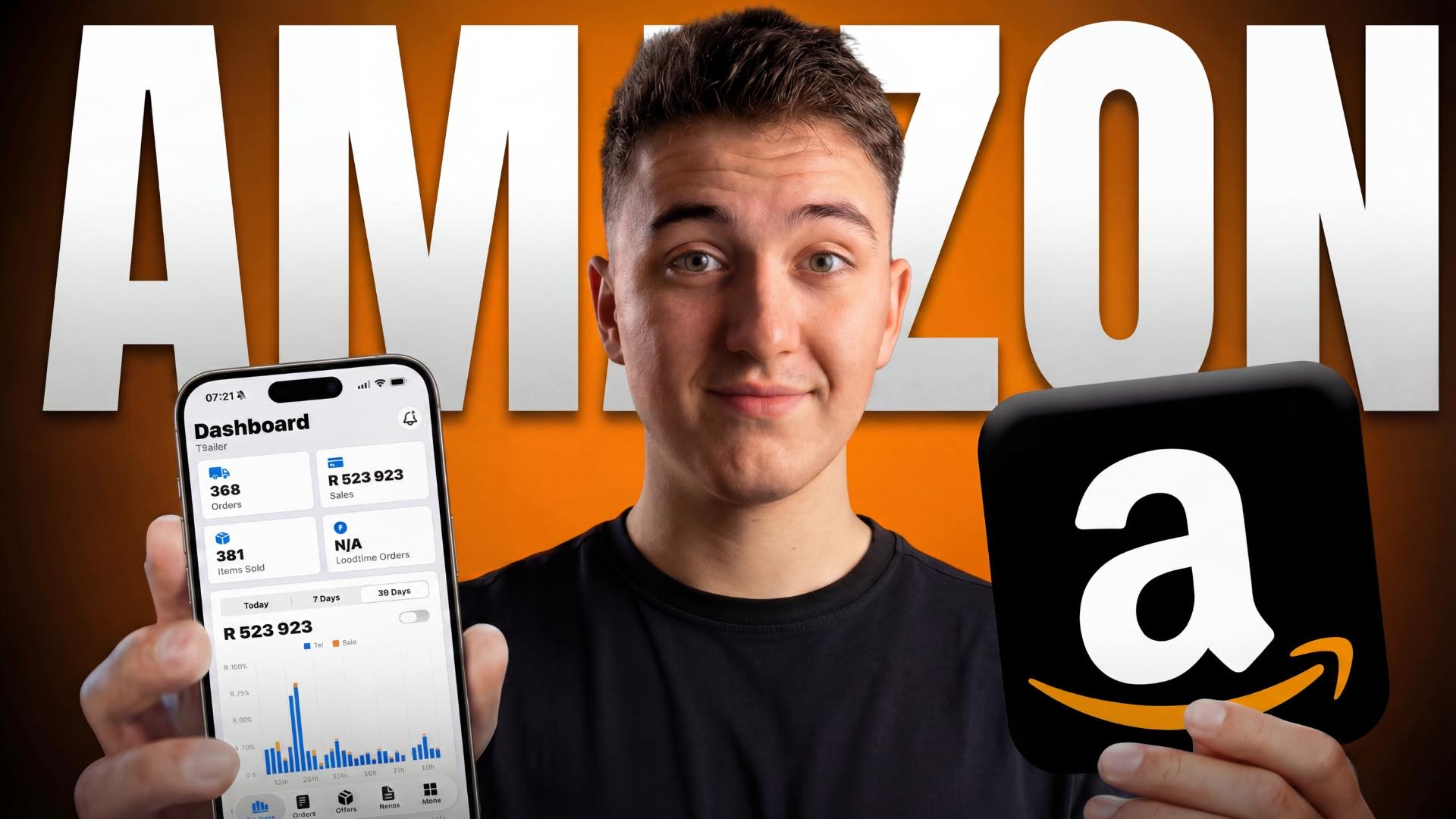
This one has been a long time coming. For months, TSeller users have been asking for a proper Amazon integration to sit alongside their Takealot setup. That integration is now live. TSeller has been listed on the Amazon Selling Partner Appstore, which means you can connect your Amazon Seller Central account through Amazon's official OAuth flow and see your Amazon orders, listings, inventory, pricing, and sales right next to your Takealot data. Most of the people who asked us for this are Takealot-first sellers adding Amazon as a second channel, or Amazon sellers starting to explore Takealot. The integration exists to help those sellers make better decisions across both marketplaces — which products are moving faster on Takealot versus Amazon, where margin is actually coming from, and what is worth doubling down on. It is not about replacing the Takealot workflow you already rely on. For most TSeller users, Takealot is still the bigger revenue channel, and that is not changing. The Amazon side is there to give that workflow a wider view when you need one. This guide covers what the Amazon integration does, how your Amazon account stays safe through the official SP-API connection, and how to get connected in under five minutes.
A Quick Note on the Amazon Selling Partner Appstore
A short note on what "Selling Partner Appstore" means, because it affects how your Amazon account connects to TSeller. The Appstore is Amazon's own catalog of SP-API applications — reviewed by Amazon against its Data Protection and Acceptable Use policies before they can list. You can view TSeller's listing directly on Amazon here. In practice, that means you connect TSeller to Amazon through Amazon's official Login with Amazon (LWA) OAuth flow inside Seller Central. You never share your Amazon password. You can revoke TSeller's access at any time from your Amazon settings, and every data call runs through the official Selling Partner API. It is the secure, reversible, Amazon-supported way to connect a third-party tool to your Amazon account — which is the only way we wanted to build this.
Why Connect Amazon to TSeller?
Most TSeller users who asked for this run Takealot as their primary marketplace and are adding Amazon as a second channel — or the other way around. Either way, the pain is the same: Takealot lives in the Seller Portal, Amazon lives in Seller Central, and answering basic cross-channel questions means switching tabs and stitching reports together. Connecting Amazon to TSeller removes that friction. Which SKUs sell better on Amazon than on Takealot? Which are doing the opposite? Where is margin actually coming from? Those answers already lived inside TSeller for Takealot — now they include Amazon. Takealot is still the core of the product, and for most users it still drives the majority of revenue. Amazon is there to complement it, not compete with it.
What the Amazon Integration Includes
The Amazon integration brings the same depth of functionality that TSeller users already rely on for Takealot, Makro, Shopify, and WooCommerce — engineered specifically against Amazon's official SP-API endpoints.
Who This Is Built For
The Amazon integration is most useful for Takealot sellers testing Amazon.co.za, Amazon sellers giving Takealot a go, and multi-channel operators already running both alongside Shopify, WooCommerce, or Makro. Everything sits inside the same R199 per month subscription — no extra charge for Amazon, no separate plan, no per-channel fees.
How to Connect Your Amazon Seller Account to TSeller
Connecting Amazon to TSeller takes around five minutes, runs entirely through Amazon's official Login with Amazon OAuth consent screen, and does not require any API keys or credentials. Watch the video tutorial above for a full walkthrough, or follow our public Amazon setup guide. The Chrome extension you already use with TSeller for Takealot handles everything on the Amazon side automatically — no additional install, no configuration.
Your Takealot Workflow Doesn't Change
One thing worth saying clearly: the Amazon integration does not change anything about how TSeller handles Takealot. The Takealot toolset — Buy Box tracking, repricing, stock recon, auto promotions, auto replenishment — is still the core of what we do, and for most users it is still where the majority of revenue comes from. If you never connect Amazon, TSeller is exactly the tool it has always been. If you do, the two sides feed each other — Takealot data helps you make smarter decisions on Amazon, and Amazon data does the same back for Takealot. That is the real value here.
Conclusion
The TSeller Amazon integration is live and ready to connect. If you have been running a Takealot store and an Amazon store separately, this should save you a real amount of time each week and make your cross-channel decisions noticeably easier. Connect your Amazon Seller Central account in under five minutes, watch your Amazon orders and listings flow in alongside your Takealot data, and start using both marketplaces' numbers to make better calls on each. Start your free 14-day trial at https://tseller.co.za or connect your Amazon account from the Stores page if you are already a TSeller user. And if you have feedback on the Amazon side once you have used it — what works, what is missing, what should come next — please tell us. A lot of this integration exists because TSeller users asked for it, and the next round of Amazon features will come from the same place.