Bobshop Takealot Integration
May 26, 2026 by Dihan Stoltz · 5 min read
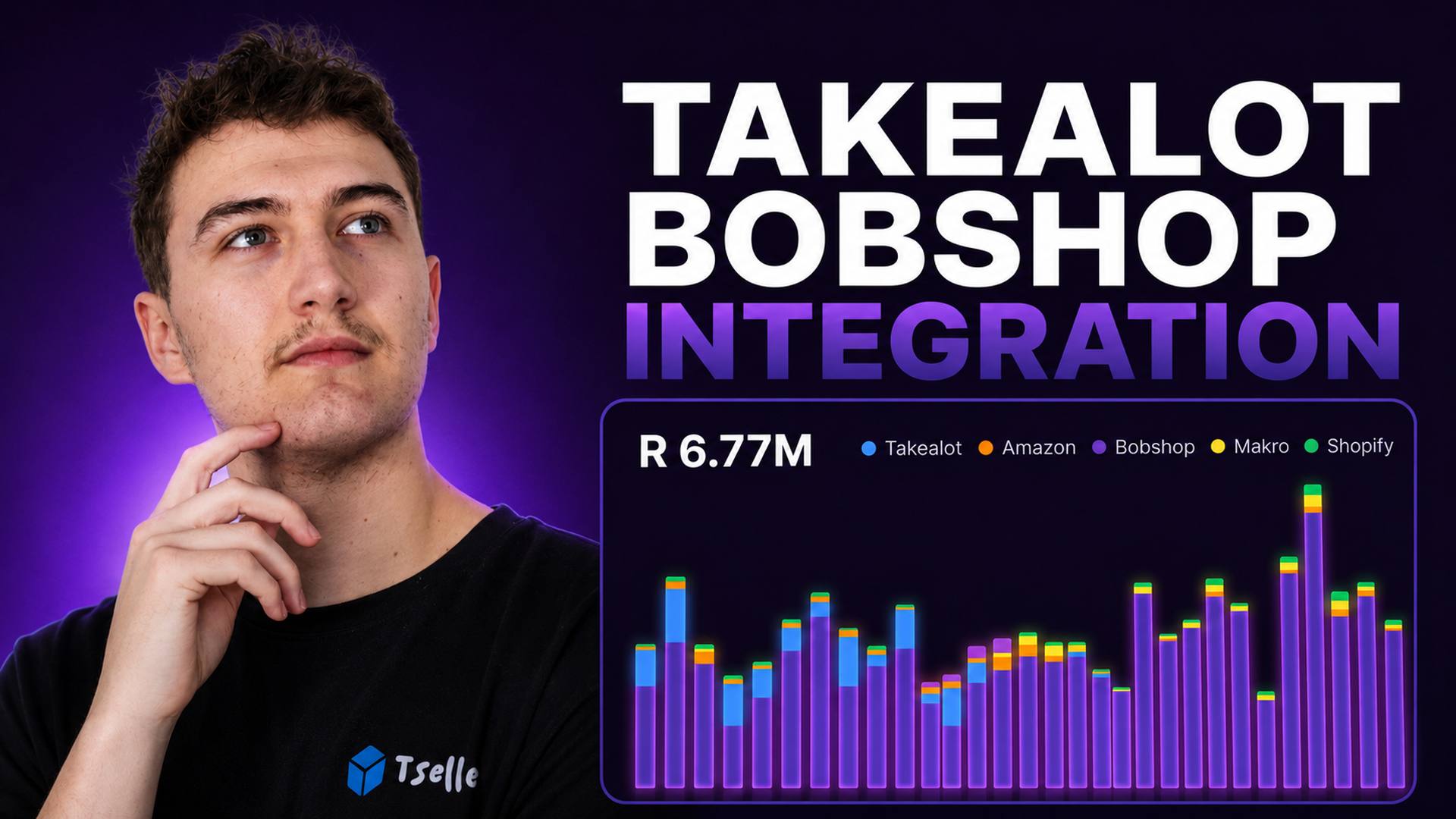
This one has been a long time coming. TSeller users have been asking us to add Bobshop alongside their Takealot setup for months, and the integration is now live. Bobshop — the rebrand of South Africa's long-running bidorbuy.co.za marketplace — connects to TSeller in a couple of minutes, and every Bobshop listing, order, and sale flows into the same unified dashboard you already use for Takealot, Amazon, Shopify, WooCommerce, and Makro. Most of the people who asked for it are Takealot-first sellers running Bobshop as a second channel, or Bobshop sellers starting to scale onto Takealot. Either way, Takealot stays the bigger revenue channel for most users — Bobshop joins in to give that workflow a wider view when you need one. This guide covers what the integration does, how your Bobshop credentials stay safe, and how to get connected in under five minutes.
A Quick Note on How TSeller Connects to Bobshop
Bobshop works differently to the other marketplaces TSeller integrates with. Unlike Takealot, Amazon, Makro, Shopify, and WooCommerce, Bobshop does not currently expose a public seller API — so instead of an API key or an OAuth flow, TSeller signs into bobshop.co.za on your behalf using a secure server-side browser and pulls your listings, orders, and sales that way. From your perspective the connection is two fields: the email and password you already use for your Bobshop seller account. We encrypt your password with AES-256-GCM the moment we receive it and only decrypt it server-side at sync time. The full mechanics are documented publicly so you can review them before you connect.
Why Connect Bobshop to TSeller?
Most TSeller users who asked for this run Takealot as their primary marketplace, with Bobshop as a second channel. The pain is the same in both directions: Takealot lives in the Seller Portal, Bobshop lives in its own back-end, and answering basic cross-channel questions means switching between platforms and stitching reports together by hand. Connecting Bobshop to TSeller removes that friction. Which SKUs sell better on Bobshop than on Takealot? Which are doing the opposite? Where is margin actually coming from once Bobshop's fees and your costs come out? Those answers already lived inside TSeller for Takealot — now they include Bobshop.
What the Bobshop Integration Includes
The Bobshop integration brings the same depth of functionality TSeller users already rely on for Takealot, Amazon, Makro, Shopify, and WooCommerce.
Who This Is Built For
Takealot sellers running Bobshop as a secondary channel, Bobshop sellers giving Takealot a go, and multi-channel operators already running both alongside Amazon, Shopify, WooCommerce, or Makro. Everything sits inside the same R199 per month subscription — no extra charge for Bobshop, no separate plan, no per-channel fees.
How to Connect Your Bobshop Account to TSeller
Connecting Bobshop to TSeller takes around two minutes. Watch the video tutorial above for a full walkthrough, or follow our public Bobshop setup guide — it covers Settings → Integrations, the AES-256-GCM credential encryption, the first sync, and what to do if you change your Bobshop password.
Conclusion
The TSeller Bobshop integration is live and ready to connect. If you have been running a Takealot store and a Bobshop store separately, this should save you a real amount of time each week and make your cross-channel decisions noticeably easier. Start your free 14-day trial at https://tseller.co.za, or connect Bobshop from Settings → Integrations if you are already a TSeller user. And if you have feedback once you have used it — what works, what is missing, what should come next — please tell us. A lot of this integration exists because TSeller users asked for it, and the next round of Bobshop features will come from the same place.