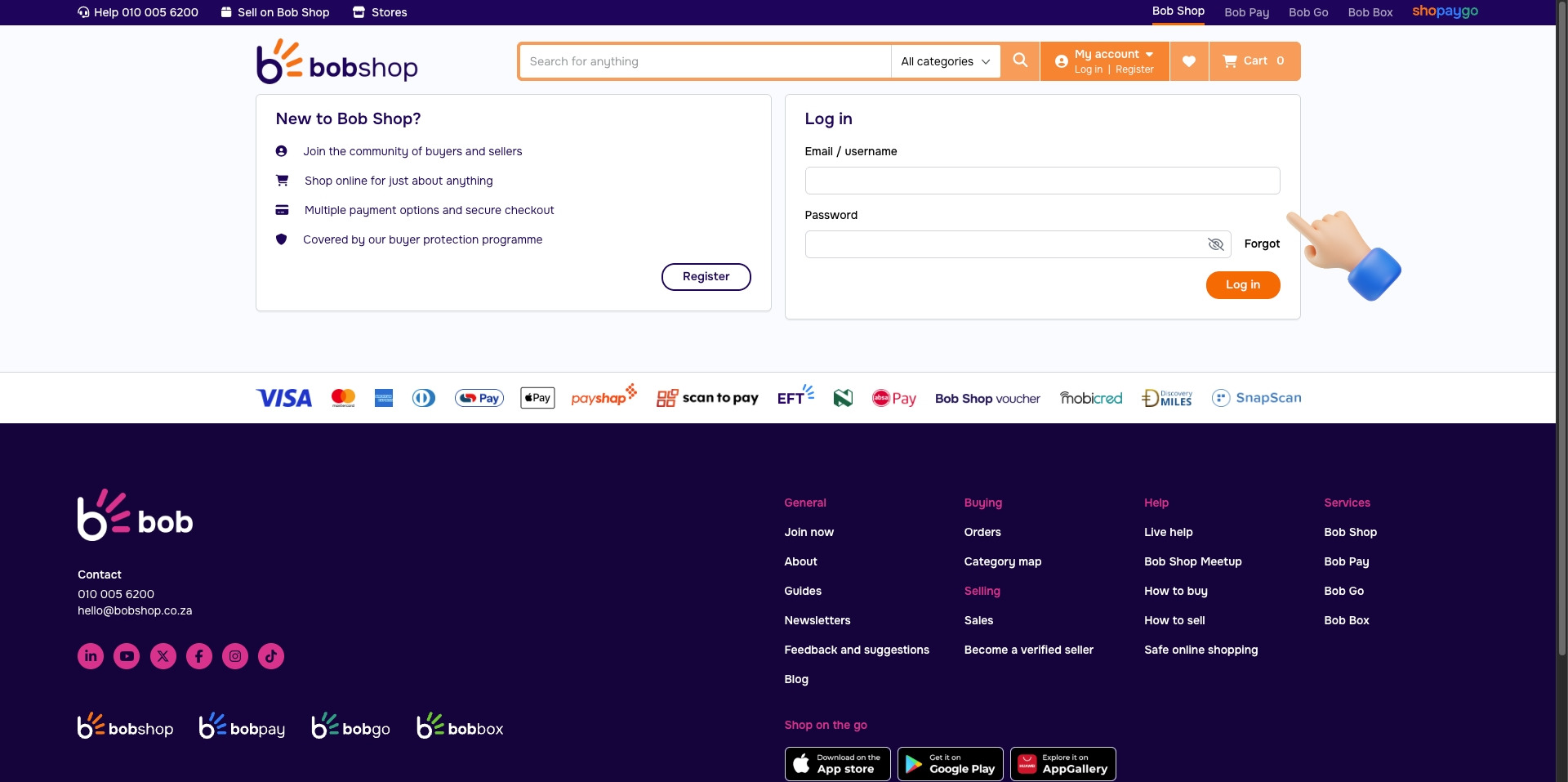
Video Tutorial
What You'll Need
Store nameA label shown inside TSeller
Bobshop emailThe email you sign in to bobshop.co.za with
Bobshop passwordYour bobshop.co.za password
How Your Login Is Stored
Why we need your login
Bobshop doesn't offer an API key system for sellers, so the only way to read your listings and orders is to sign in as you. TSeller logs in on your behalf in a secure server-side browser, pulls your data, and signs out.
EncryptionYour password is encrypted with AES-256-GCM before it ever touches our database.
StorageThe encrypted password lives in a locked-down Firestore document only your account can reach.
UseDecrypted only inside a Cloud Function at sync time — never sent to your browser or logged.
Change your password?Disconnect and reconnect Bobshop in TSeller with the new password — no data is lost.
What TSeller Will Sync
ListingsTitle, price, stock, status
OrdersRecent + 12-month historical backfill
First sync~30–60 seconds for most stores
Step-by-Step
1
Open the Integrations page in TSeller
Sign in to TSeller, open Settings › Integrations, find the Bobshop card, and click Connect.
2
Enter your store name and Bobshop login
Give the store a name you'll recognise inside TSeller (e.g. "Bobshop — Main"). Then enter the email and password you use to sign in to bobshop.co.za. Click Connect and stay on the page while we run the first sync (~30–60 seconds).