Takealot Black Friday Ads
Nov 20, 2026 by Dihan Stoltz · 9 min read
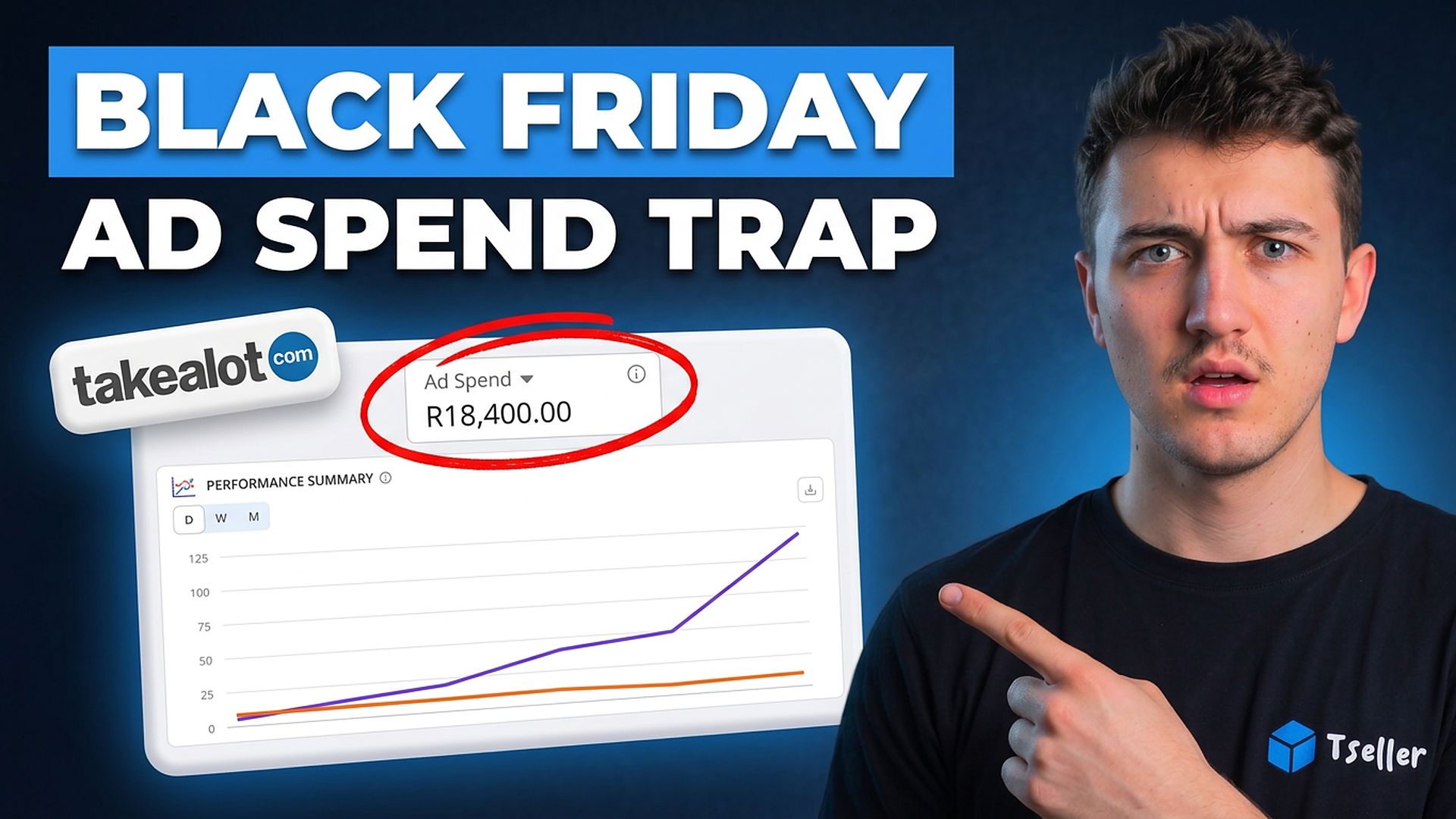
Black Friday on Takealot is on Friday 27 November 2026, and the number that decides whether your ads make or lose money that week is your break-even ROAS. Most sellers go into the sale with the same bids and daily budgets they ran in October, and spend the best week of their year paying for clicks that lose money. This guide shows how to set up Takealot Sponsored Ads for Black Friday in three parts: which budgets to raise and by how much, what to bid when a deal price cuts your margin, and what to switch off before Friday. It then covers what to do with your ads after Cyber Monday, with examples from TSeller's Auto Advertising in a demo store, so every figure is made up.
Why Your Break-Even ROAS Jumps on Black Friday
Your break-even ROAS is 1 divided by your profit margin after Takealot's fees and your costs. Keep 30c of every R1 of sales and you break even at 3.3× ROAS: every R1 of ad spend has to bring in R3.30 of sales just to pay for itself. A deal price changes that. Your product cost, fulfilment fee and delivery stay the same and the success fee falls only a little, so almost the whole discount comes out of your margin. Here is a R999 product that drops to R799 for Black Friday, in a category with a 15% success fee. Work out your own margins with every fee in our Takealot seller fees guide.
Full Price | Black Friday Deal | |
|---|---|---|
| Selling price | R999 | R799 |
| Product cost, fulfilment & delivery | R562 | R562 |
| Success fee (15% + VAT) | R172 | R138 |
| You keep | R265 | R99 |
| Margin | 26.5% | 12.4% |
| Break-even ROAS | 3.8× | 8.1× |
| A campaign at 5× ROAS | Profit | Loss |
A made-up product. The same campaign at the same 5× ROAS makes money at full price and loses money on every sale at the deal price. Products you keep at full price keep their break-even ROAS.
Start From the Sponsored Ads Page
Everything below happens on TSeller's Auto Advertising page. At the top are your ad spend, the sales Takealot credits to your ads, your ROAS and your Ads Profit after product costs. Below them are Recommendations, New Campaign, Search Terms, Product Performance, Ad Wallet and Activity, and every campaign shows its ROAS beside its own break-even ROAS, worked out from the margins of the products in it. Auto Advertising is part of the Agentic plan: if you don't see it, check your plan and connect your Takealot agent in Settings › AI Data Connector. New to Takealot ads? Start with our Takealot Sponsored Ads guide.
Which Campaigns Get More Budget
Raising every campaign on Thursday night is the most expensive Black Friday mistake. Raise a campaign's daily budget only when all three of these are true.
Then raise it in steps instead of doubling it. TSeller recommends a raise when a campaign has run for at least 7 days, used at least 90% of its daily budget, has 3 or more orders and its ad cost sits at least 10 points under your margin, which on a 30% margin means 5× ROAS or better. It suggests about half as much again, rounded up to the next R10 and never more than double, so R200 a day becomes R300. Apply it in one click, check the results the next day and raise again if the campaign still runs out.
Busy Days & Your Ad Wallet
Takealot treats a campaign's daily budget as an average. On a quiet day it spends less, and with Spend More on Busy Days switched on it can spend up to 1.3 times its budget when shoppers are searching, using budget left over from quieter days. You choose it in the Budget step when you create a campaign in TSeller: a R200 budget can then spend up to R260 on a busy day. Switch it on for campaigns you will run through Black Friday, so they don't stop halfway through the busiest day of the year.
None of this matters if your ad wallet is empty, because Takealot stops your ads the moment it runs out. Auto Advertising's Ad Wallet shows your balance and how many days it will last at your current spend, and buys Takealot's ad credit packages from your Takealot balance without opening the Seller Portal. TSeller's recommendations flag a wallet that will last fewer than 7 days. Top up before Friday, and remember that busy days spend more than your average, so a wallet that lasts five days today runs out sooner in sale week.
What to Bid in Black Friday Week
A click is worth what it earns you: what you keep from a sale, divided by how many clicks it takes to make one. Take the same R999 product, selling once every 20 clicks and keeping R265: each click is worth about R13. In Black Friday week more shoppers are ready to buy, so say it sells once every 12 clicks, but at R799 you keep only R99, and each click is now worth about R8. Pay R10 or R15 for that click and every sale from the ad loses money, however many you make.
Normal Week | Black Friday | |
|---|---|---|
| Selling price | R999 | R799 |
| You keep per sale | R265 | R99 |
| Clicks per sale | 20 | 12 |
| Most a click is worth | R13 | R8 |
More shoppers buy in sale week, but the deal price cuts what each sale leaves you, so a click is worth less, not more.
What to Switch Off Before Friday
This part saves the most money. Look back at what your ads spent without selling, and switch it off before Friday. Ask TSeller AI something like "Review my ads: which campaigns, search terms and products spent money without a sale?" It can read up to a year of your campaign results, including campaigns that have ended, so last year's Black Friday campaign is still there to learn from. Takealot keeps about six months of search terms, so the searches come from your more recent campaigns.
After Cyber Monday
Cyber Monday is on 30 November, and by then many products have sold out at the DCs. Keep your ads running until about 2 December on products that still have stock, then undo what you did for Black Friday.
Black Friday Ads Checklist
Work through this list before Thursday night.
Pricing & Getting Started
Auto Advertising and TSeller AI's ads tools are part of the Agentic plan, an add-on to your TSeller subscription, which starts at R199 per month with a 14-day free trial. Connect your Takealot agent in Settings › AI Data Connector, and your campaigns, wallet and results load in Auto Advertising. TSeller only changes a campaign when you click Apply or confirm the change.
Conclusion
The products that look best to advertise on Black Friday, your biggest deals, are the ones with the least room to pay for ads. Advertise what still has the margin to carry ads, bid what a click is worth at the deal price, and switch off everything else. Start your free 14-day trial at https://tseller.co.za and set up your Takealot ads for Black Friday this week.