
Leroy Merlin Takealot Integration
Sep 8, 2026 by Dihan Stoltz · 5 min read
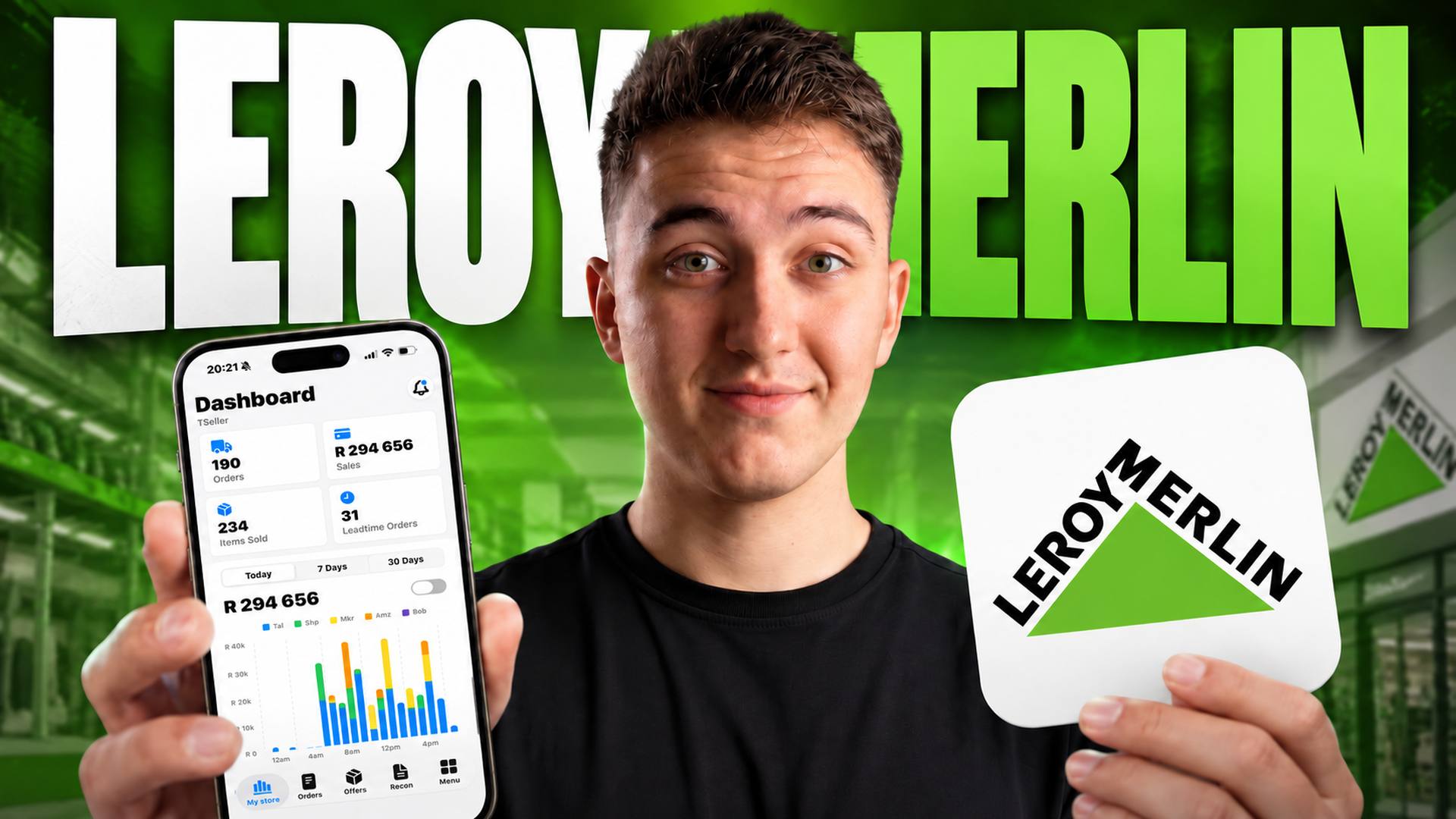
Leroy Merlin is live in TSeller. The home-improvement marketplace has become one of the fastest-growing places to sell in South Africa, and it is one of the integrations our users have asked for most this year — so we built it. Connecting takes about a minute and needs nothing more than an API key, and once it is in, every Leroy Merlin offer, order, and sale flows into the same dashboard you already use for Takealot, Amazon, Shopify, WooCommerce, Makro, and Bobshop. This post covers what the integration gives you, how to connect it, and where your Leroy Merlin data shows up once it is running.
Why Leroy Merlin
Leroy Merlin's South African marketplace has grown quickly since it opened to third-party sellers, and it now carries hundreds of sellers across home, garden, DIY, tools, and building products. For a Takealot seller in those categories it is one of the few local channels where the audience arrives already shopping for exactly what you stock — someone browsing Leroy Merlin for a cordless drill is a long way further down the funnel than someone scrolling a general marketplace. Most of the sellers who asked us for this run Takealot as their main channel and Leroy Merlin as a second one, and the problem is always the same: two portals, two sets of numbers, and no straightforward way to compare them. Which SKUs move better on Leroy Merlin than on Takealot? What is Leroy Merlin actually contributing to your month once commission comes off? Those answers already existed in TSeller for every other channel. Now they include Leroy Merlin.
What the Integration Includes
Offers — your full Leroy Merlin catalogue syncs in, with price and stock editable inline exactly like your Takealot offers. No switching to the Leroy Merlin portal to change a price.
What Selling on Leroy Merlin Actually Involves
Leroy Merlin South Africa runs its marketplace on Mirakl, the same marketplace platform used by large retailers worldwide — which is why the connection is a clean API one rather than a scrape or a feed file. Sellers apply through Leroy Merlin's join-our-marketplace page and a consultant comes back to you, typically within a couple of days. Categories are what you would expect from the brand: DIY, tools, building materials, garden, and home improvement. There is a fixed monthly listing fee — widely reported as R300 including VAT — on top of a sales commission that varies by category. Leroy Merlin does not publish its South African commission rates publicly, so treat any percentage you read online with caution and get the real numbers for your own categories from your onboarding consultant before you commit. Commission is what decides whether a SKU is worth listing at all, and it is the one input you cannot afford to guess at. Once you are connected, TSeller reads the actual commission off each Leroy Merlin sale, so your margin is calculated on what you were really charged rather than on an estimate.
How to Connect Leroy Merlin to TSeller
Because Leroy Merlin is a Mirakl marketplace, connecting is just an API key — no password sharing, no feed setup. Open Account Settings in TSeller — it now lands you on the Integrations page directly — and scroll to Leroy Merlin. Click Connect, give the store an internal name, then hit Get API Key. That takes you to the Leroy Merlin seller portal: log in and your API key is on screen, or generate one under Actions → Generate new API key. Copy it, paste it back into TSeller, and click Connect Store. A few seconds later you are connected, and your catalogue starts syncing. The full walkthrough is in the video above, and every step is written up with screenshots in our Leroy Merlin setup guide.
Where Your Leroy Merlin Data Shows Up
The first thing you will notice is the dashboard chart: with more than one integration connected it becomes a stacked bar chart, and Leroy Merlin is the black segment — Takealot stays blue. From there, use the platform switcher at the top of the Offers page to see your Leroy Merlin listings, the Orders page for Leroy Merlin orders, and Sales Analytics for the full revenue breakdown. Same pages, same workflow, one more channel in them. Everything is included in the flat R199 per month subscription — no extra charge for Leroy Merlin, no per-channel fees.
Conclusion
This is version one, and we are going to keep building on it — the integration covers visibility, editing, and profit today, and there is more coming. If you sell home, garden, or DIY products, Leroy Merlin is worth a serious look, and running it next to Takealot inside TSeller means it costs you no extra admin. For the rest of what TSeller does across your channels, see our multi-platform management post. Start your free 14-day trial at https://tseller.co.za, or if you are already a TSeller user, open Settings → Integrations and connect Leroy Merlin now.