Claude & ChatGPT Connector
Oct 7, 2026 by Dihan Stoltz · 6 min read
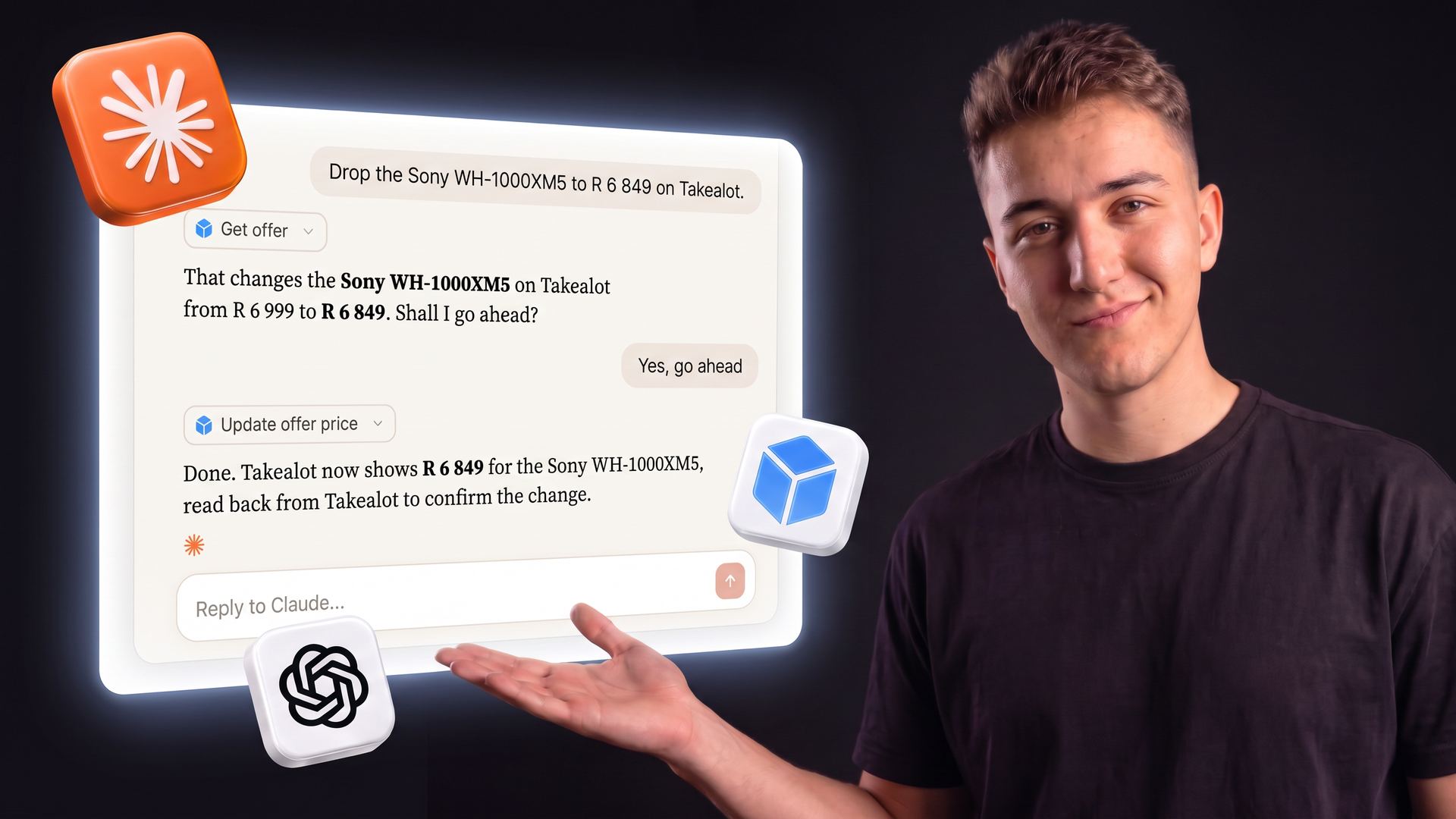
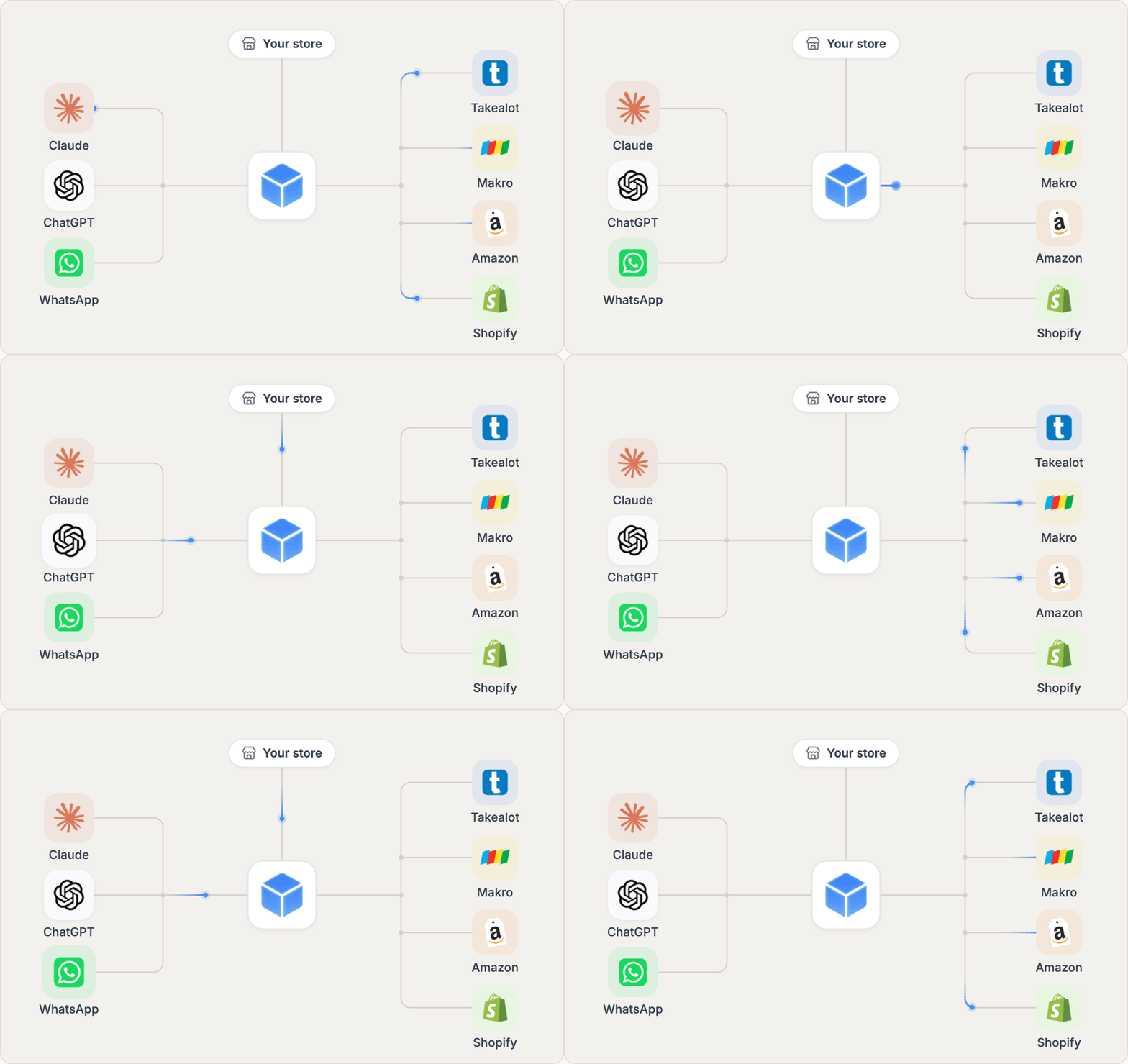
TSeller now works inside Claude and ChatGPT. Our AI connector, built on the Model Context Protocol (MCP), lets you ask either assistant about your Takealot, Makro, Amazon and Shopify stores in plain language, and it answers from the same figures the TSeller app shows: sales, stock, fees, profit, returns, shipments and the Buy Box. It can make changes for you too, and every change is confirmed with you first. This guide explains what an MCP connector is, what you can ask, how to connect Claude and ChatGPT in a few minutes, and how TSeller now reaches you on WhatsApp. The connector is included with every TSeller subscription.
What Is an MCP Connector?
The Model Context Protocol, or MCP, is the open standard that AI assistants such as Claude and ChatGPT use to connect to other apps. An MCP connector gives the assistant a set of tools it can call, so instead of guessing, it fetches your real data and answers from it. TSeller's connector is a remote MCP server at https://tseller.co.za/mcp/. You sign in with your TSeller account and approve what the assistant may access, and from then on it can use more than 100 TSeller tools across Takealot, Makro, Amazon and Shopify. You never paste an API key into a chat: TSeller works through the marketplace connections you have already set up.
Ask About Every Store in Plain Language
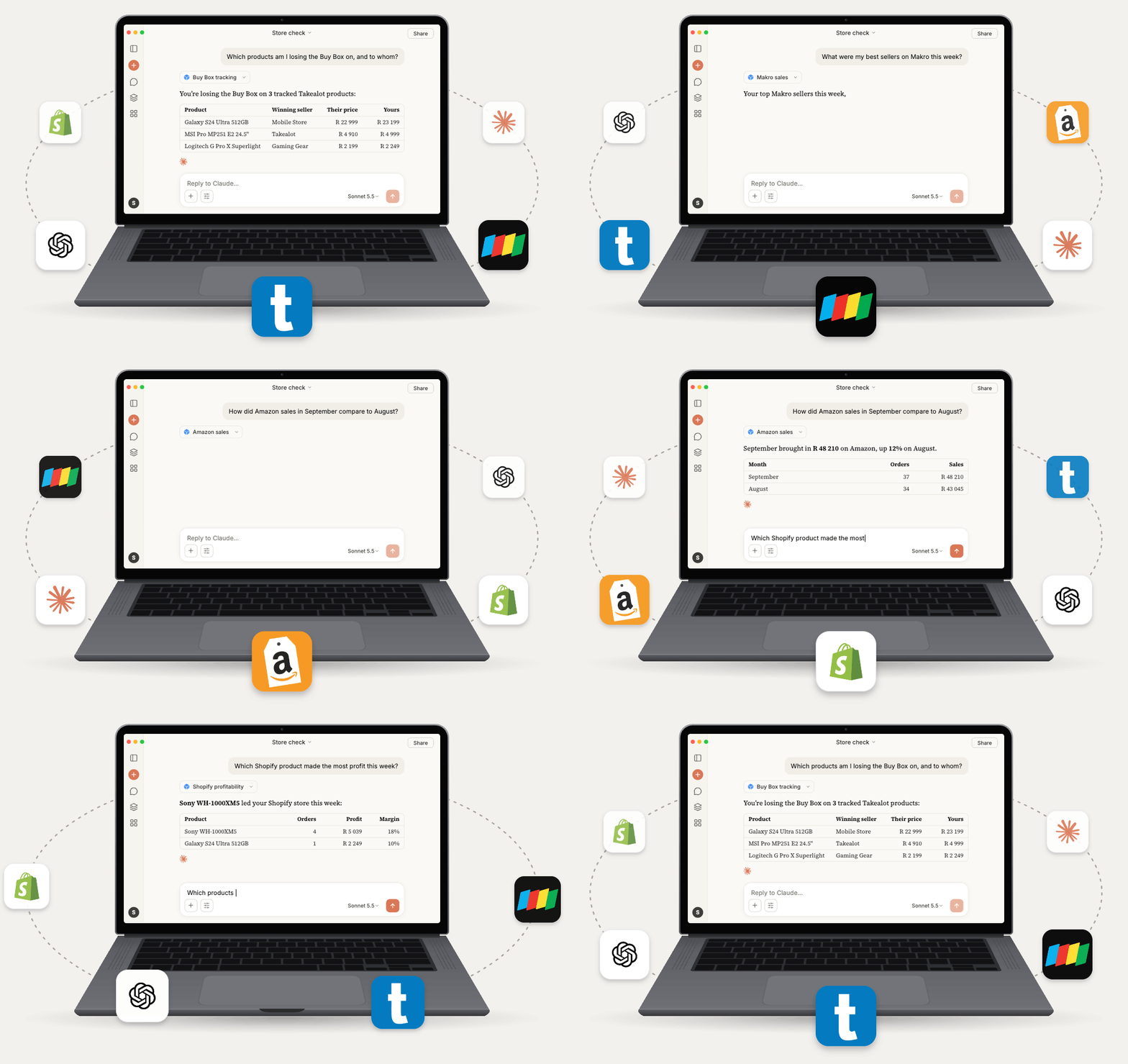
Ask the way you would ask a colleague who knows your numbers. The assistant picks the right TSeller tools, reads your data and answers with tables, comparisons and next steps. Every figure is defined exactly as the TSeller app defines it, so an answer in Claude or ChatGPT matches what you see on your dashboard. Questions sellers ask most:
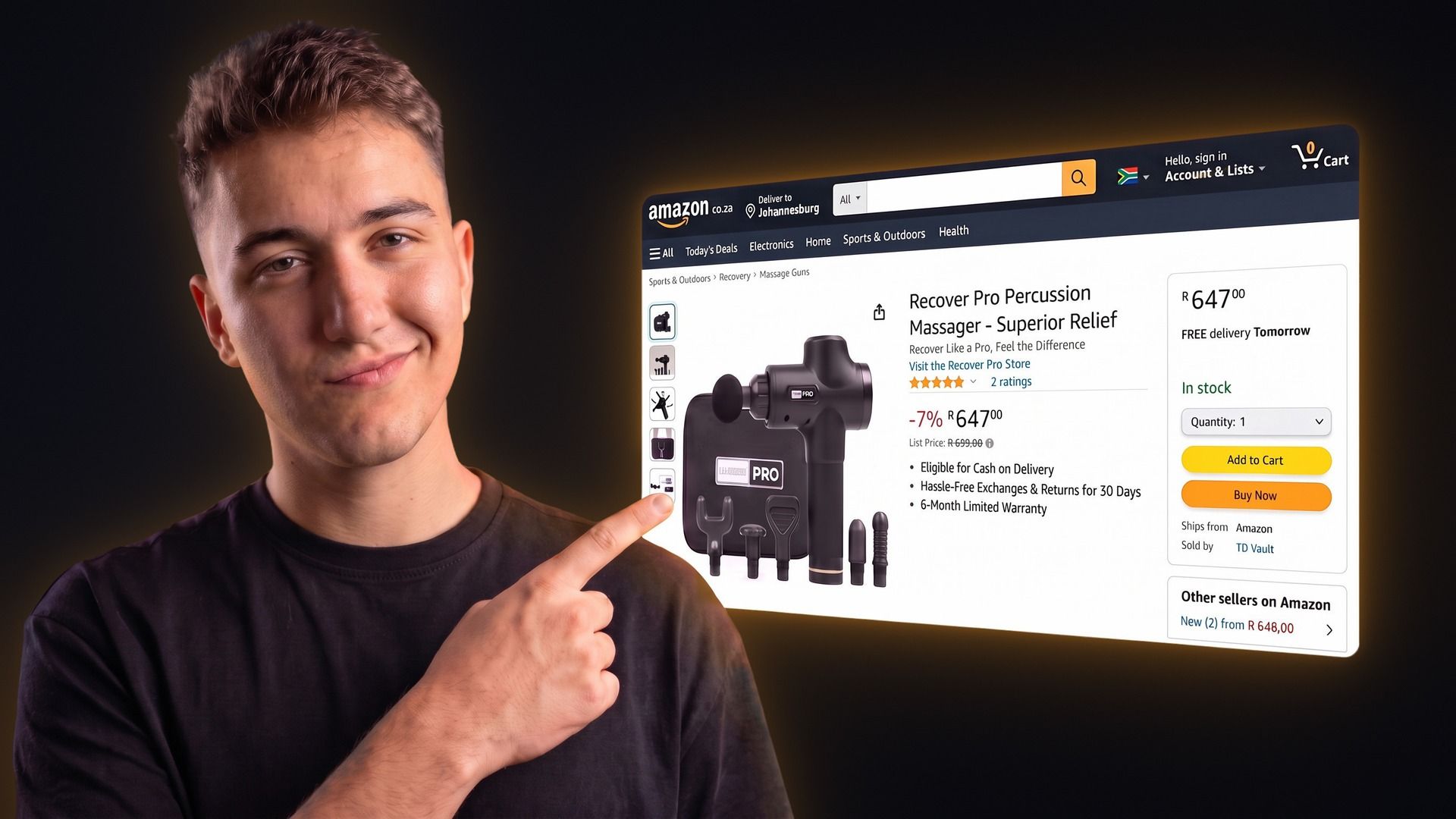
"Which products am I losing the Buy Box on, and to whom?"
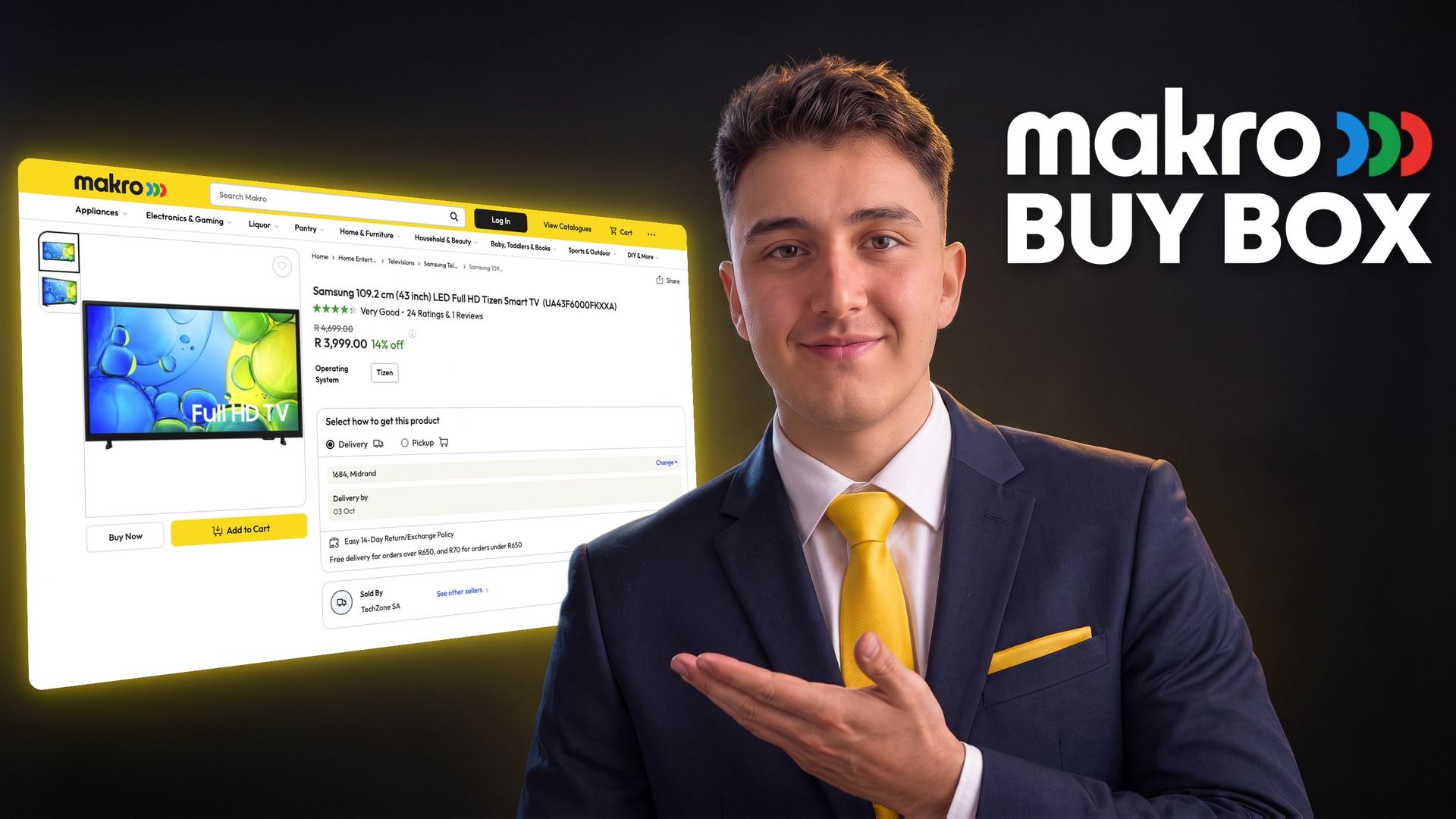
"What were my best sellers on Makro this week?"
"How did my Amazon sales in September compare to August?"
"Which Shopify product made the most profit this week?"
"Which listings are out of stock but still selling?"
"What did Takealot charge me in fees last month, and why is my payout lower?"
What the TSeller Connector Covers
The connector covers the four marketplaces most TSeller sellers run, with the same data and the same edits as the TSeller app. On Takealot it can also change RRP, lead time and listing status, plan and confirm replenishment shipments and manage Sponsored Ads campaigns, and on Amazon it can switch a listing between FBA and FBM.
What you can do | Takealot | Makro | Amazon | Shopify |
|---|---|---|---|---|
| Sales, orders and profit | Yes | Yes | Yes | Yes |
| Listings and stock | Yes | Yes | Yes | Yes |
| Change price and stock | Yes | Yes | Yes | Yes |
| Product costs | Yes | Yes | Yes | Yes |
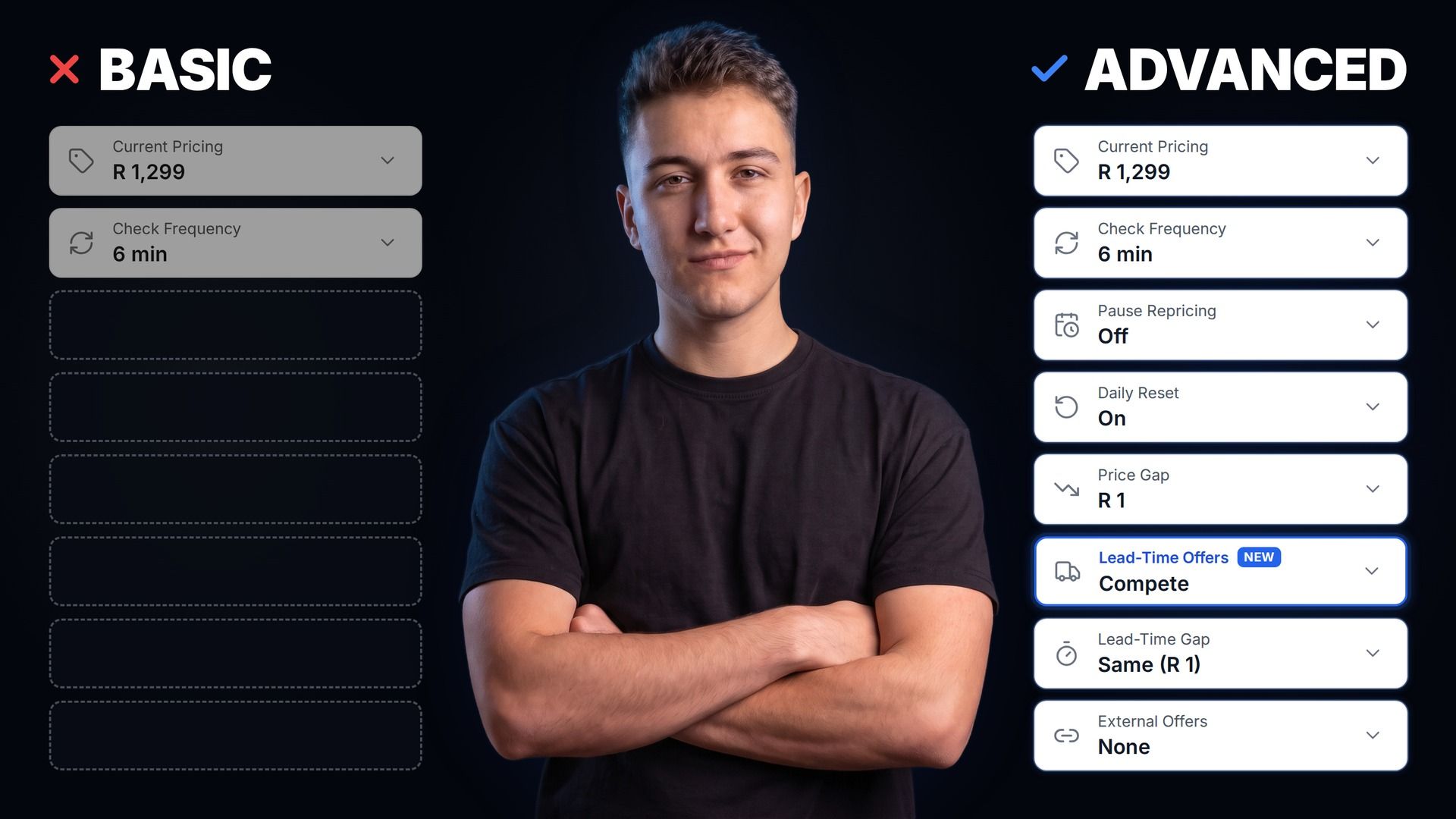
| Buy Box and repricing rules | Yes | Yes | Yes | — |
| Promotions | Yes | Yes | — | — |
| Replenishment and shipments | Yes | — | Yes | — |
| Returns and refunds | Yes | — | — | Yes |
| Fees, payouts and recon claims | Yes | — | — | — |
| Reviews and Sponsored Ads | Yes | — | — | — |
Bob Shop, Leroy Merlin and WooCommerce are not covered by the connector.
Every Change Is Confirmed First
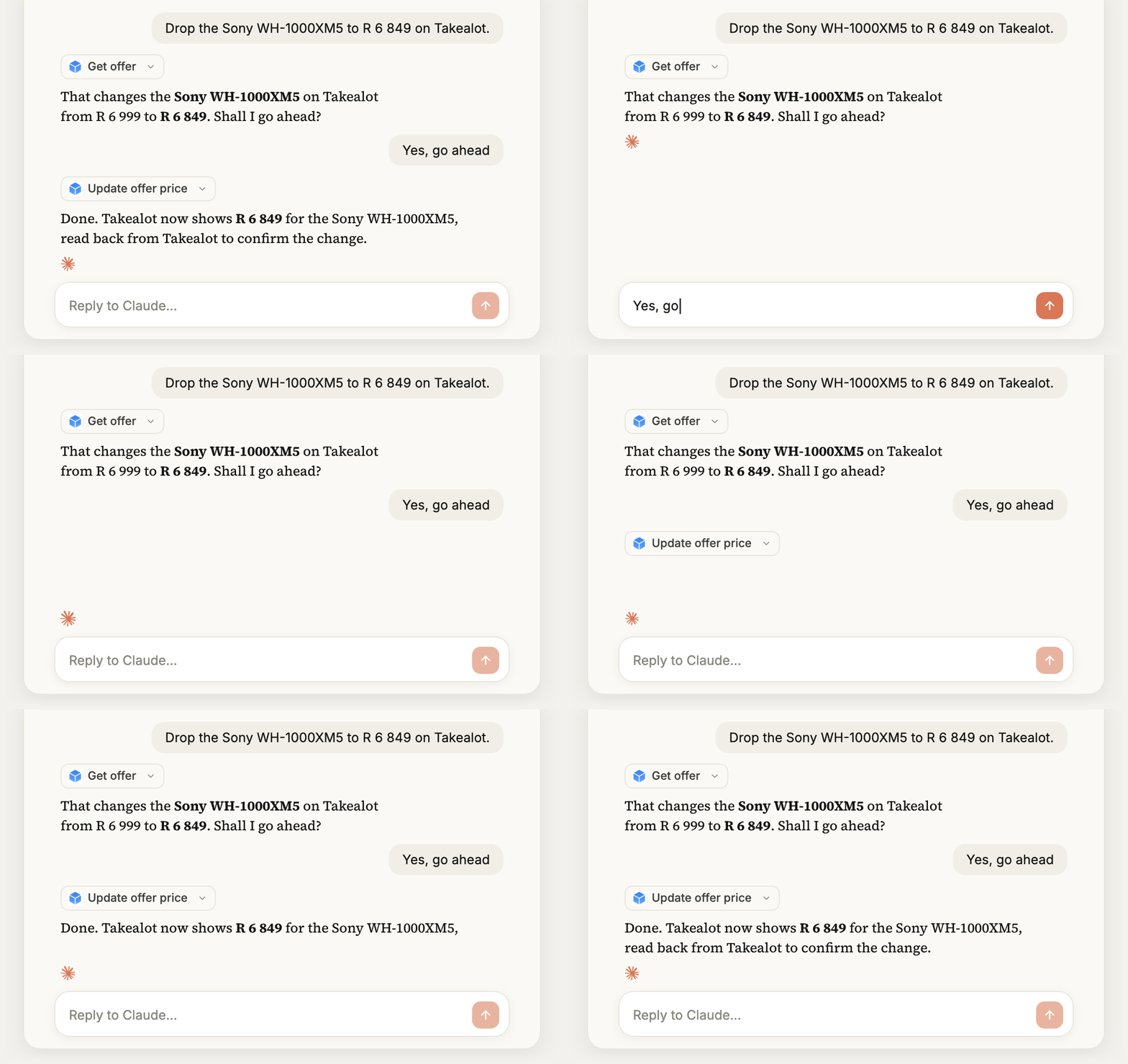
Because the connector can change prices, stock, Buy Box rules and ad campaigns, it is built so nothing happens without you. Before any change, your assistant states the listing and the exact old and new values and waits for your OK, and it never changes a price you did not name. After a Takealot change, TSeller reads the listing back from Takealot and reports what actually changed. Amazon changes are re-read a few seconds later, though Amazon can take a few minutes to show them to shoppers, and Makro changes are reported as accepted by Makro, since Makro offers no way to read a listing back. If a listing is tracked by the TSeller repricer, your assistant tells you, because the repricer will move that price again on its next run.
How to Connect Claude
TSeller is listed in Claude's connector directory, so connecting takes about a minute. The video at the top of this post walks through every step.
How to Connect ChatGPT
ChatGPT adds TSeller as a custom plugin using the connector URL. ChatGPT Plus is all you need, with developer mode turned on.
Your Data Stays Under Your Control
The connector only sees what your TSeller account can see, and you can end its access at any time.
New: TSeller on WhatsApp
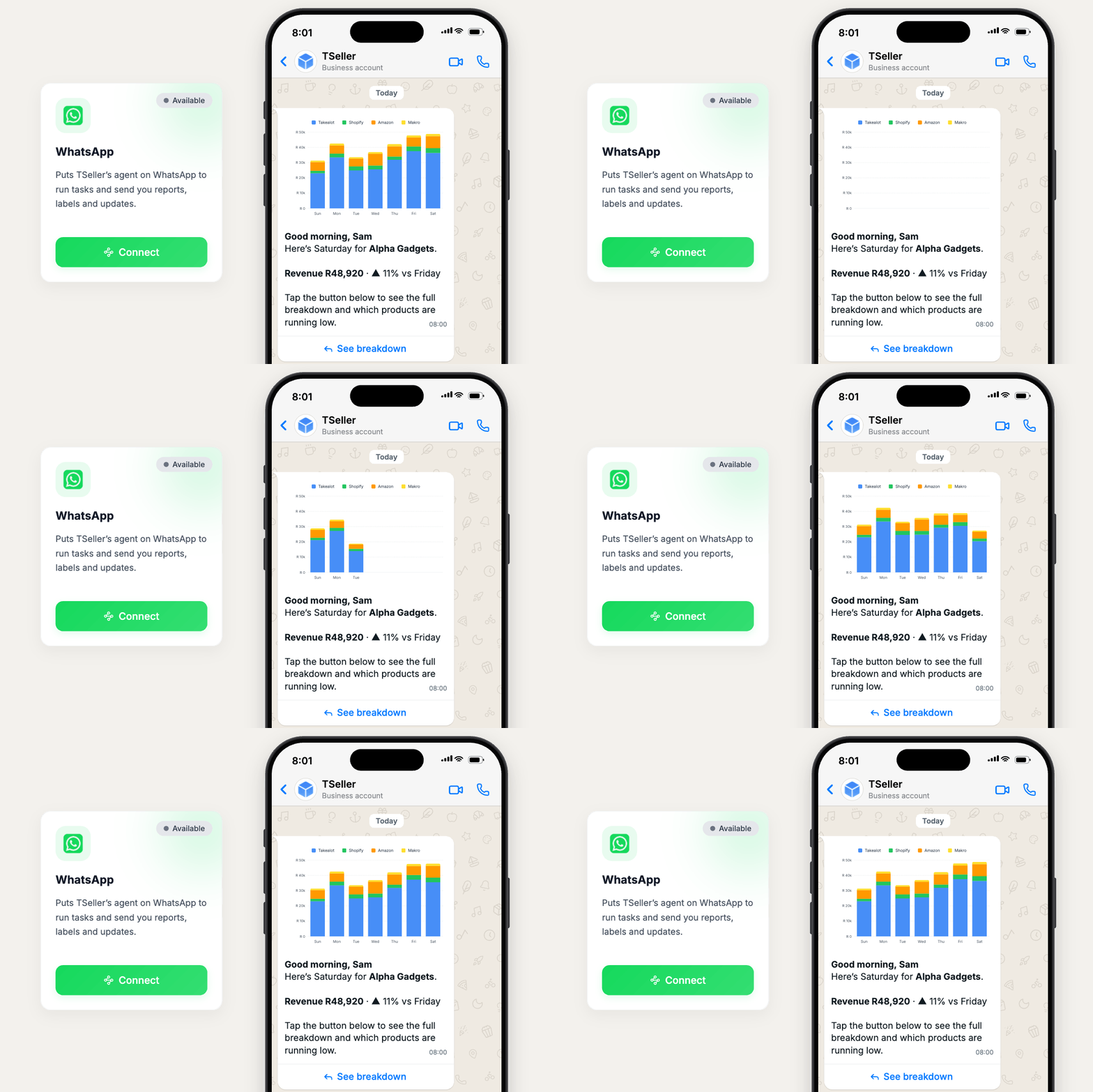
TSeller can now message you on WhatsApp too, so the numbers that matter reach you without opening a dashboard. Connect up to three numbers under Settings › AI Data Connector, choose which updates each one gets in your notification settings, and tap a button in the chat for the detail behind any update. WhatsApp is part of the Agentic plan, an add-on to your TSeller subscription.
Pricing
The AI connector is included with every active TSeller subscription, at the flat R199 per month with a 14-day free trial. TSeller adds no charge for Claude or ChatGPT access; you only need your own Claude or ChatGPT account. TSeller on WhatsApp is part of the Agentic plan.
Conclusion
Claude and ChatGPT are only as useful as the data they can see. With the TSeller connector they see your real Takealot, Makro, Amazon and Shopify numbers, defined the same way as on your dashboard, and they change nothing until you say so. Follow the AI connector setup guide to connect in a few minutes, and read how the Takealot Buy Box repricer works before you ask about your Buy Box. Start your free 14-day trial at https://tseller.co.za, or if you are already a TSeller user, open Settings › AI Data Connector and add TSeller to Claude or ChatGPT.