WooCommerce Takealot Integration
Apr 8, 2026 by Dihan Stoltz · 7 min read
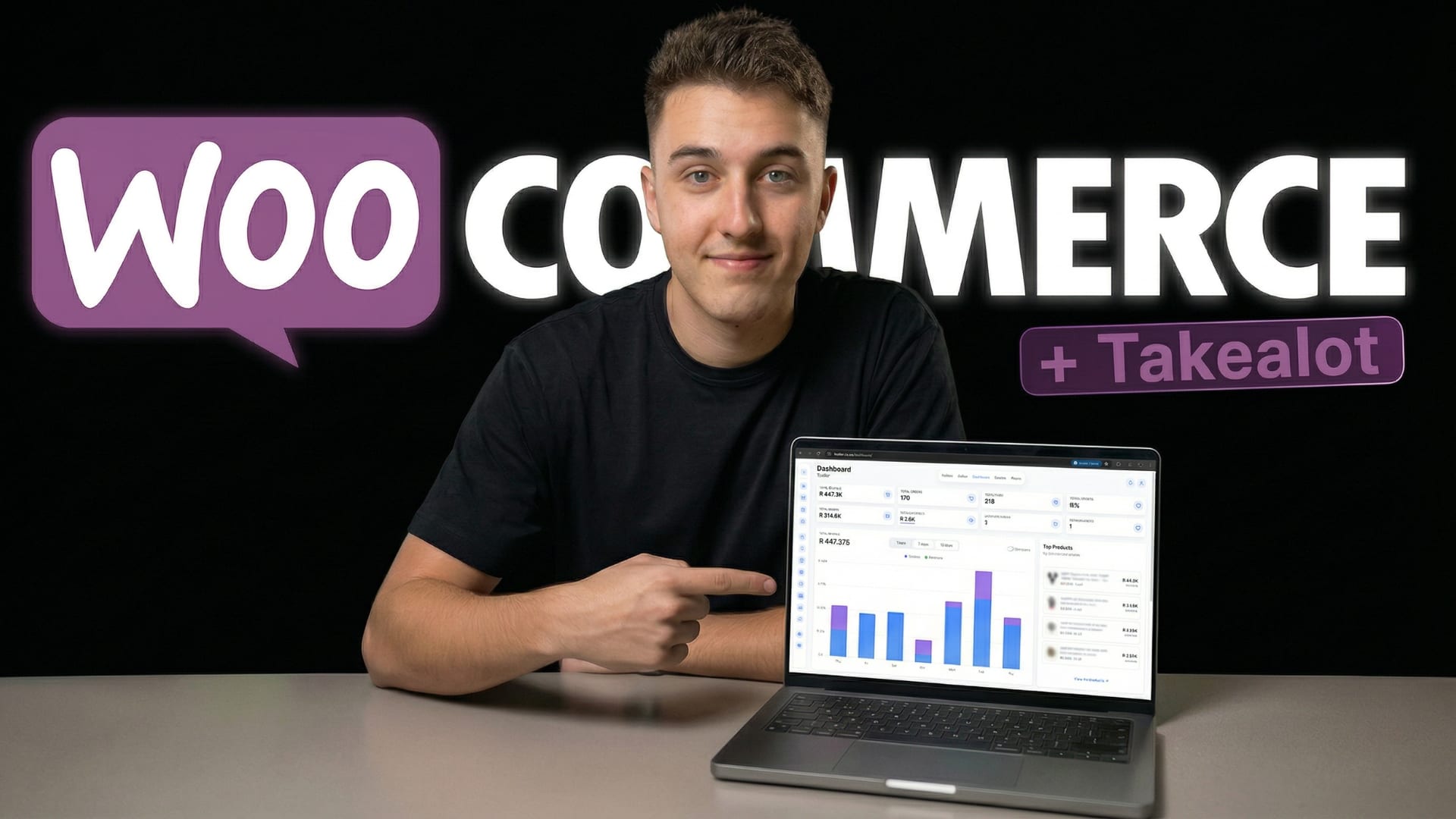
If you run a WooCommerce store and sell on Takealot, Amazon, or Makro, you already know the cost of managing everything separately. WooCommerce sales are tracked in WordPress. Takealot orders are processed in the Seller Portal. Amazon data lives in Seller Central. Makro runs on its own marketplace portal. Every platform is its own universe — and you end up stitching them together in a spreadsheet at the end of every month. TSeller now solves that. Our new WooCommerce integration connects your WordPress WooCommerce store directly to TSeller, so every WooCommerce order, product, sale, and cost sits alongside your Takealot, Amazon, Makro, and Shopify data in one unified dashboard. If you are searching for software to connect WooCommerce to Takealot, a multi-channel tool for WooCommerce and Amazon, or a single platform to manage WooCommerce and Makro Marketplace together — this is exactly what TSeller now offers. This guide covers what the WooCommerce integration does, why it is a game changer for South African sellers running multi-channel e-commerce, and exactly how to connect your WooCommerce store to TSeller using the official WooCommerce REST API.
Why Connect WooCommerce to TSeller?
Most WooCommerce sellers in South Africa are not only selling on their own website. They are selling on Takealot to capture marketplace traffic. They are selling on Amazon to reach a new audience. They are selling on Makro to tap into Walmart-backed reach. WooCommerce is usually one channel in a multi-channel strategy — not the only one. The problem is that WooCommerce, Takealot, Amazon, and Makro all run on completely different systems, with different dashboards, different reporting formats, and different ways of calculating fees and costs. Without a unified tool, you lose hours every week moving between platforms and reconciling numbers by hand. TSeller changes that. Connect your WooCommerce store and every WooCommerce sale, order, and product sits alongside your marketplace data in one dashboard. For sellers searching for a WooCommerce and Takealot integration, a WooCommerce multi-channel dashboard, or a tool that manages WooCommerce and marketplaces together — TSeller is now the most comprehensive option available for South African e-commerce.
What the WooCommerce Integration Includes
The WooCommerce integration brings the same depth of functionality that TSeller users already rely on for Takealot, Amazon, and Makro — built for multi-channel sellers who want everything in one place.
Who This Is Built For
The WooCommerce integration is designed for four types of seller. First, the WordPress-first brand with a WooCommerce store that is expanding onto Takealot, Amazon, or Makro and needs a central place to manage everything. Second, the Takealot seller who has added a WooCommerce site to reduce marketplace dependency and wants unified reporting from day one. Third, the multi-channel operator already selling on WooCommerce plus one or more marketplaces who is tired of reconciling reports manually. And fourth, the growing South African e-commerce business that wants enterprise-grade multi-channel visibility without the enterprise-grade price tag. If you fit any of these, TSeller's WooCommerce integration will change how you run your business.
How to Connect Your WooCommerce Store to TSeller
Connecting WooCommerce to TSeller takes around five minutes and uses the official WooCommerce REST API — the secure, supported way to connect third-party tools to any WooCommerce store. You have two ways to get set up. Watch the video tutorial above for a full walkthrough inside TSeller and WooCommerce, or follow our public WooCommerce setup guide — it covers enabling the WooCommerce REST API, generating a key with read/write permissions, and pasting your Consumer Key and Secret into TSeller. Pick whichever format suits you and you will be connected in minutes.
Why This Matters for South African Sellers
South African e-commerce is becoming more competitive and more multi-channel by the month. The sellers who win are the ones running their own WooCommerce store for brand and direct traffic, Takealot for marketplace reach, Amazon for additional exposure, and Makro for Walmart-backed distribution. But running four channels means four different platforms, four different reporting surfaces, and four different cost structures. TSeller collapses all of that into a single dashboard. Connect WooCommerce to TSeller today and you stop running four businesses — you start running one business with four sales channels.
Conclusion
The TSeller WooCommerce integration is live and ready to connect. If you are a WooCommerce seller looking for the best way to manage WooCommerce and Takealot together, a WooCommerce and Amazon multi-channel dashboard, a WooCommerce and Makro Marketplace integration, or simply the most complete South African e-commerce management platform — TSeller is built for this. Connect your WooCommerce store in under five minutes, watch every sale, order, and profit metric flow into one dashboard, and stop losing hours every week to platform switching and manual reporting. Start your free 14-day trial at https://tseller.co.za or connect your WooCommerce store from the Stores page if you are already a TSeller user. Watch the setup video above for the full walkthrough.