Video Tutorial
Required Credentials
What You'll Need
Step-by-Step
Open the Developer Access page
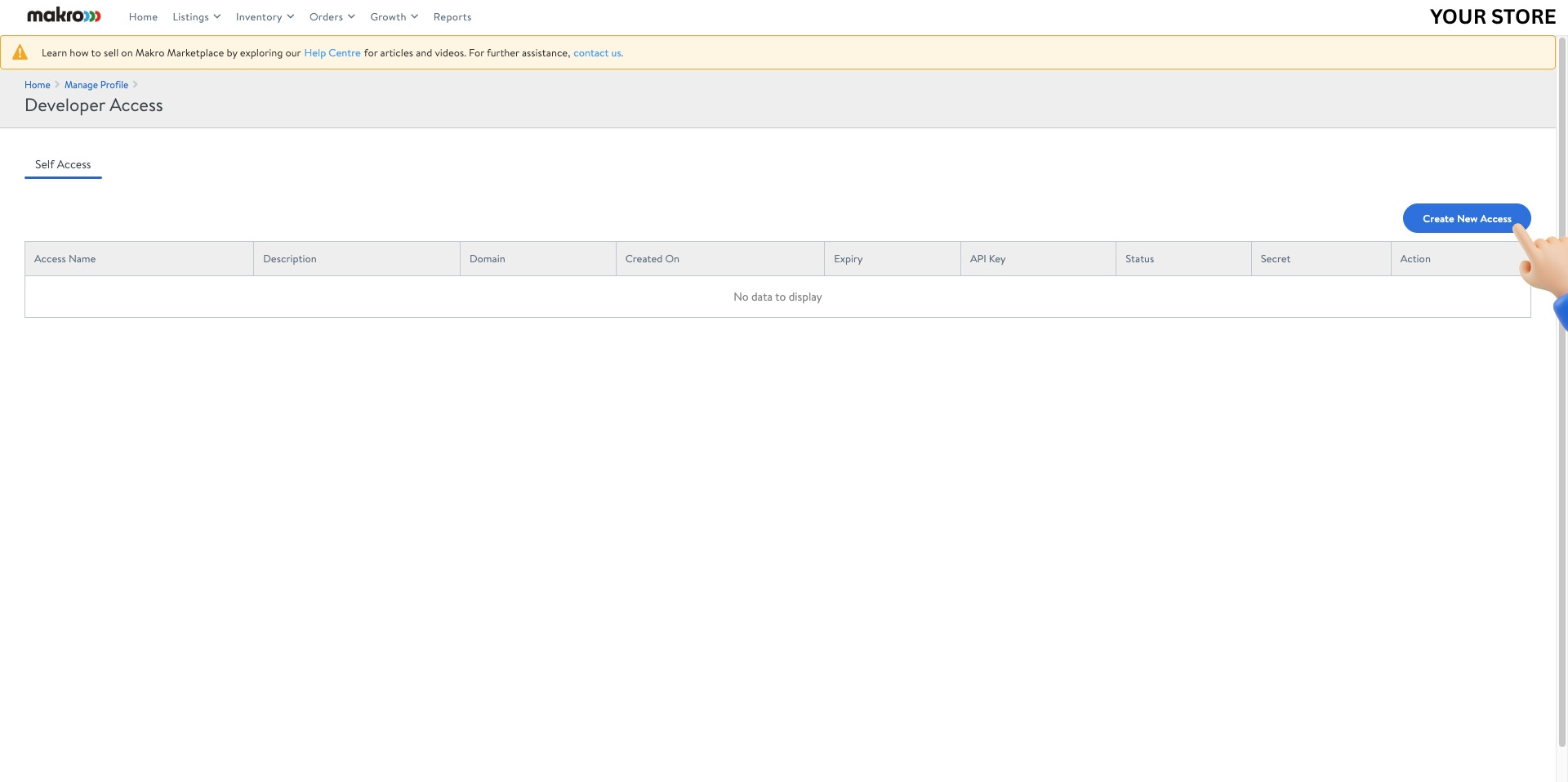
Sign in to your Makro Seller Portal and navigate to Manage Profile › Developer Access. Click Create New Access.
Create a new access token
In the New Access panel, enter TSeller as the Application Name, TSeller Sync as the Description, and https://tseller.co.za/ as the Domain. Click Submit.
Copy your API Key and Secret Key
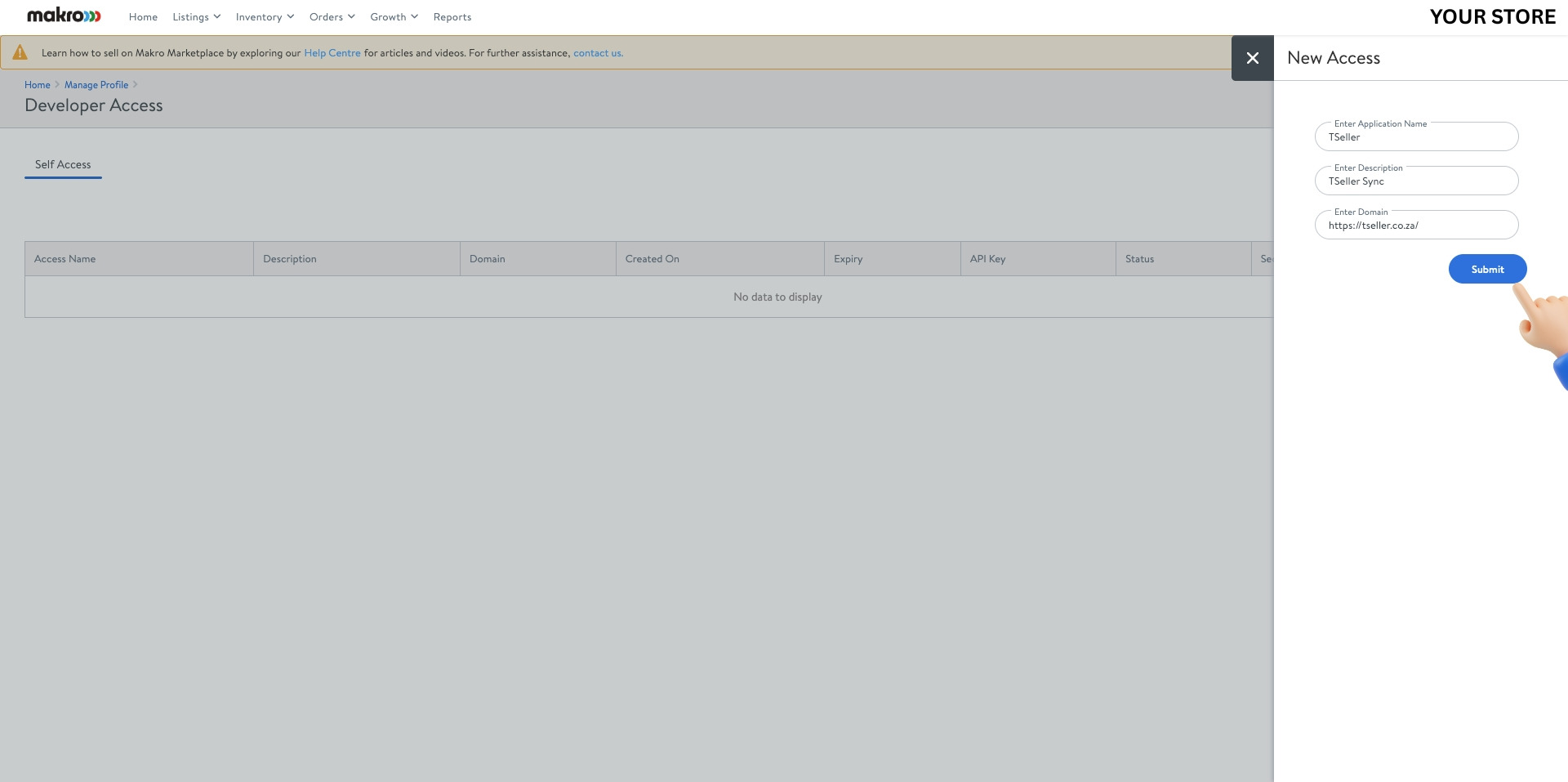
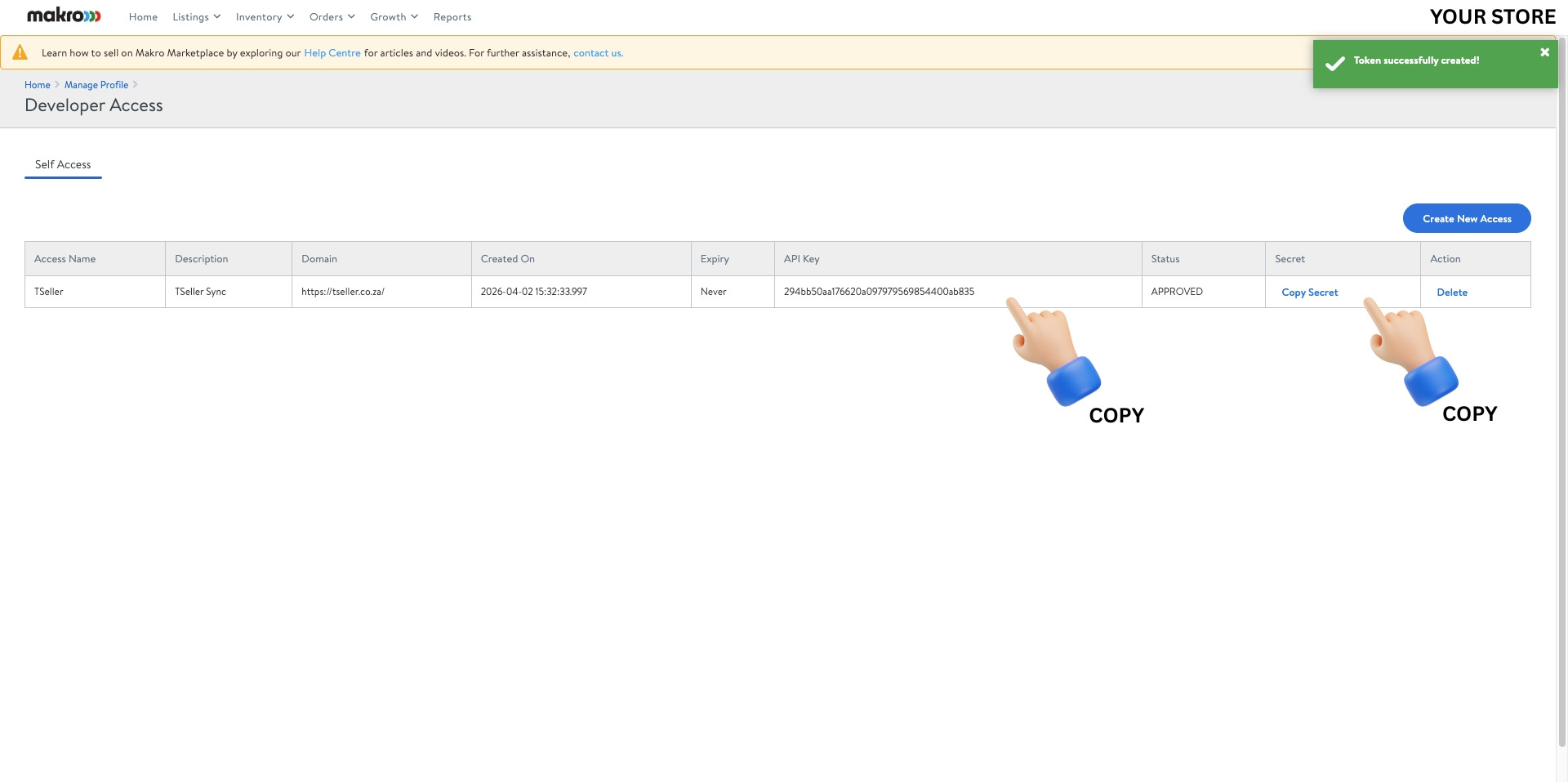
Once the token is created, your API Key will be visible in the table. Click Copy Secret to copy your Secret Key. Save both — you'll need them when connecting in TSeller.
Navigate to your Account page
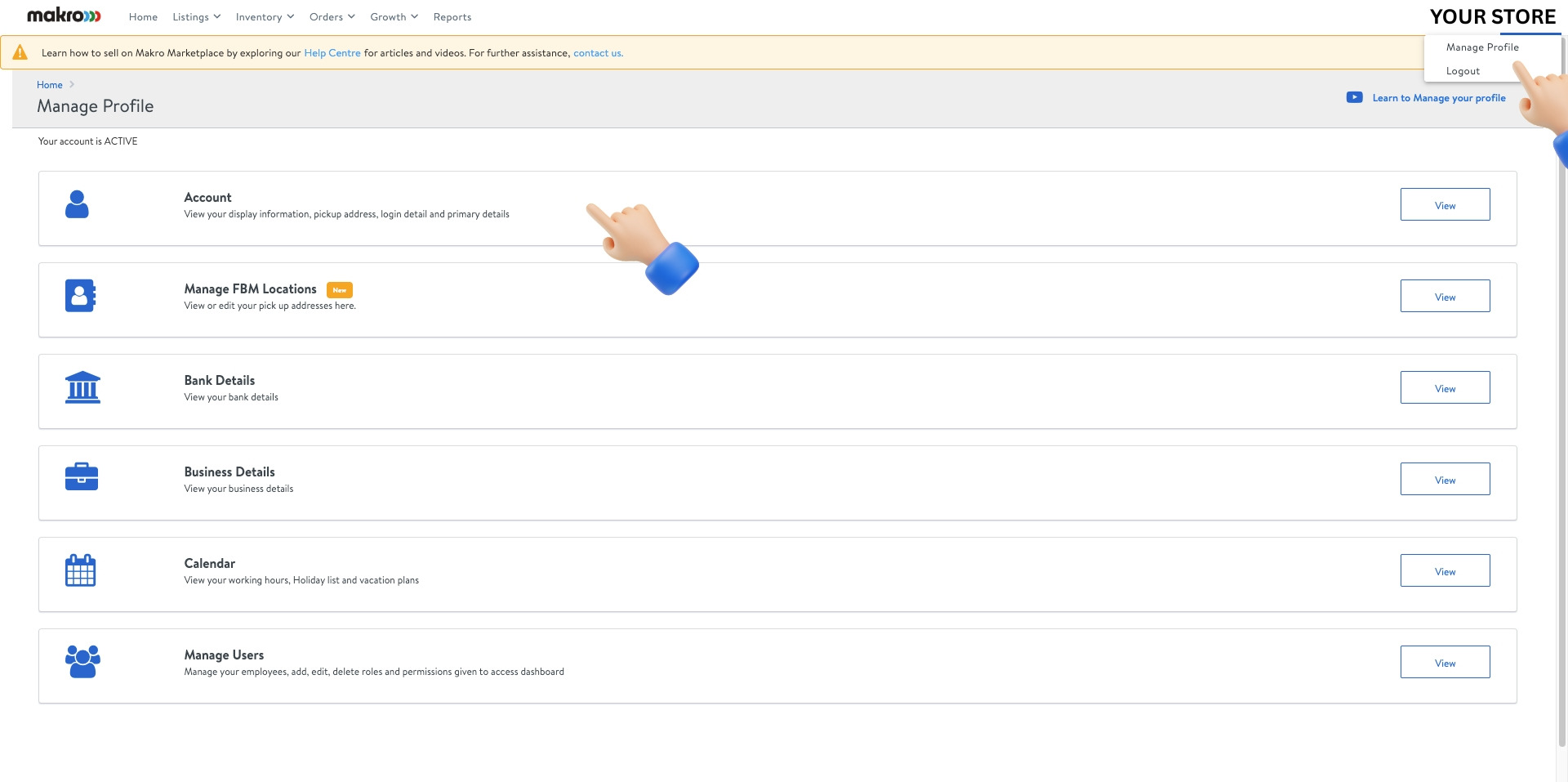
Click on Your Store in the top-right corner and select Manage Profile. Then click View next to Account.
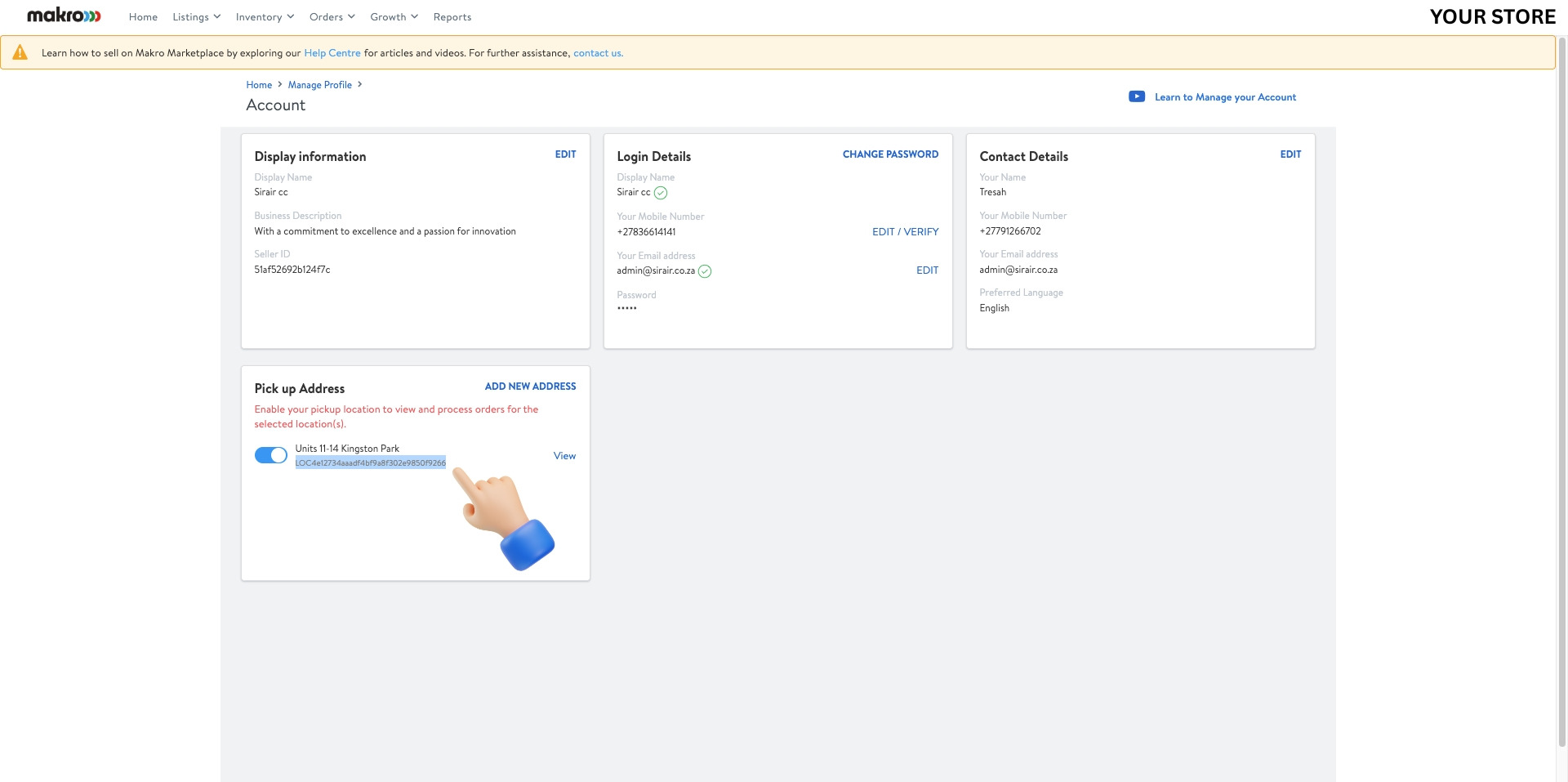
Copy your pickup address LOC code
On the Account page, scroll down to the Pick up Address section. Copy the LOC code shown beneath your address — this is your default address identifier needed for TSeller.
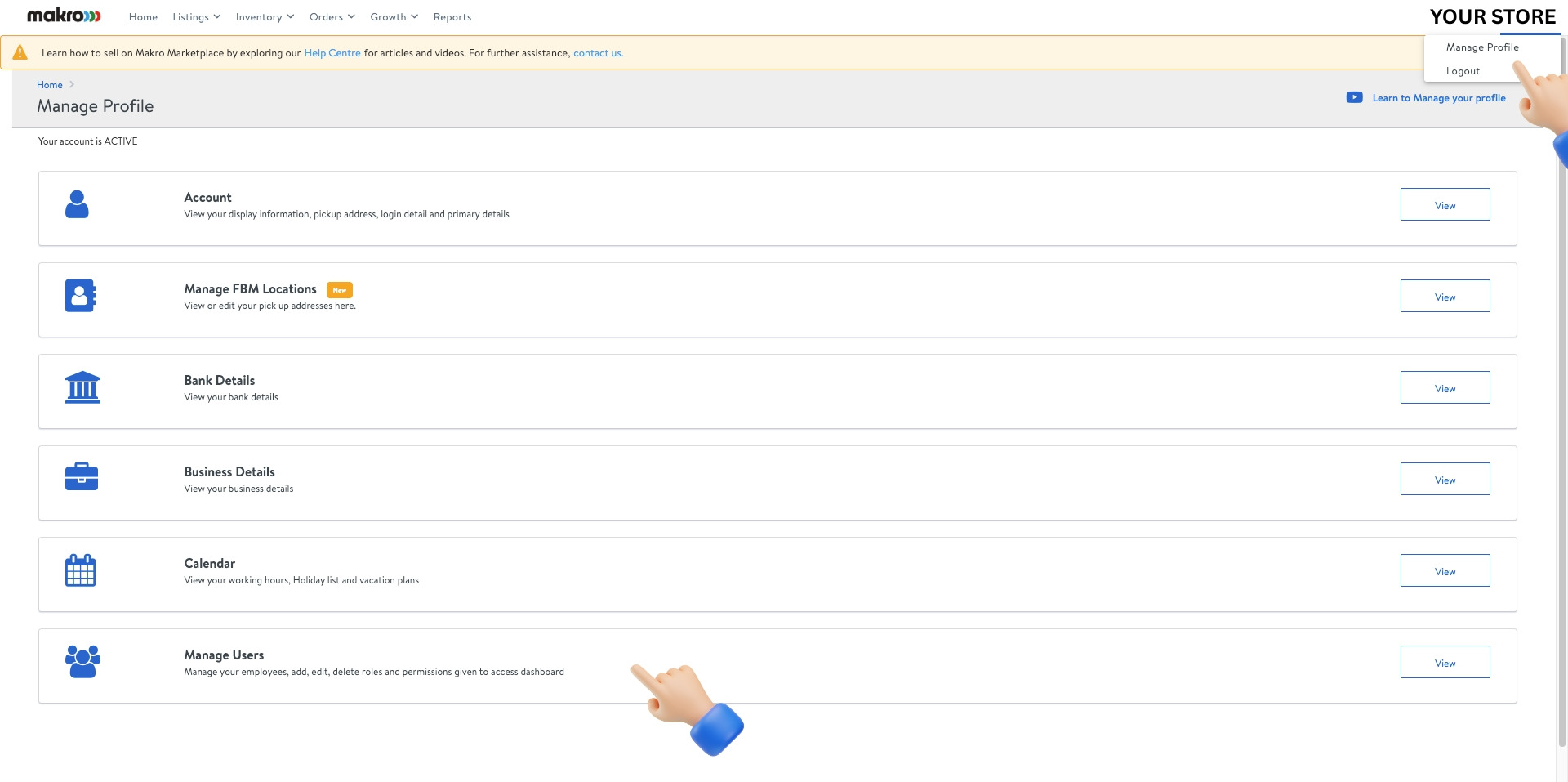
Navigate to Manage Users
Go back to Manage Profile and click View next to Manage Users.
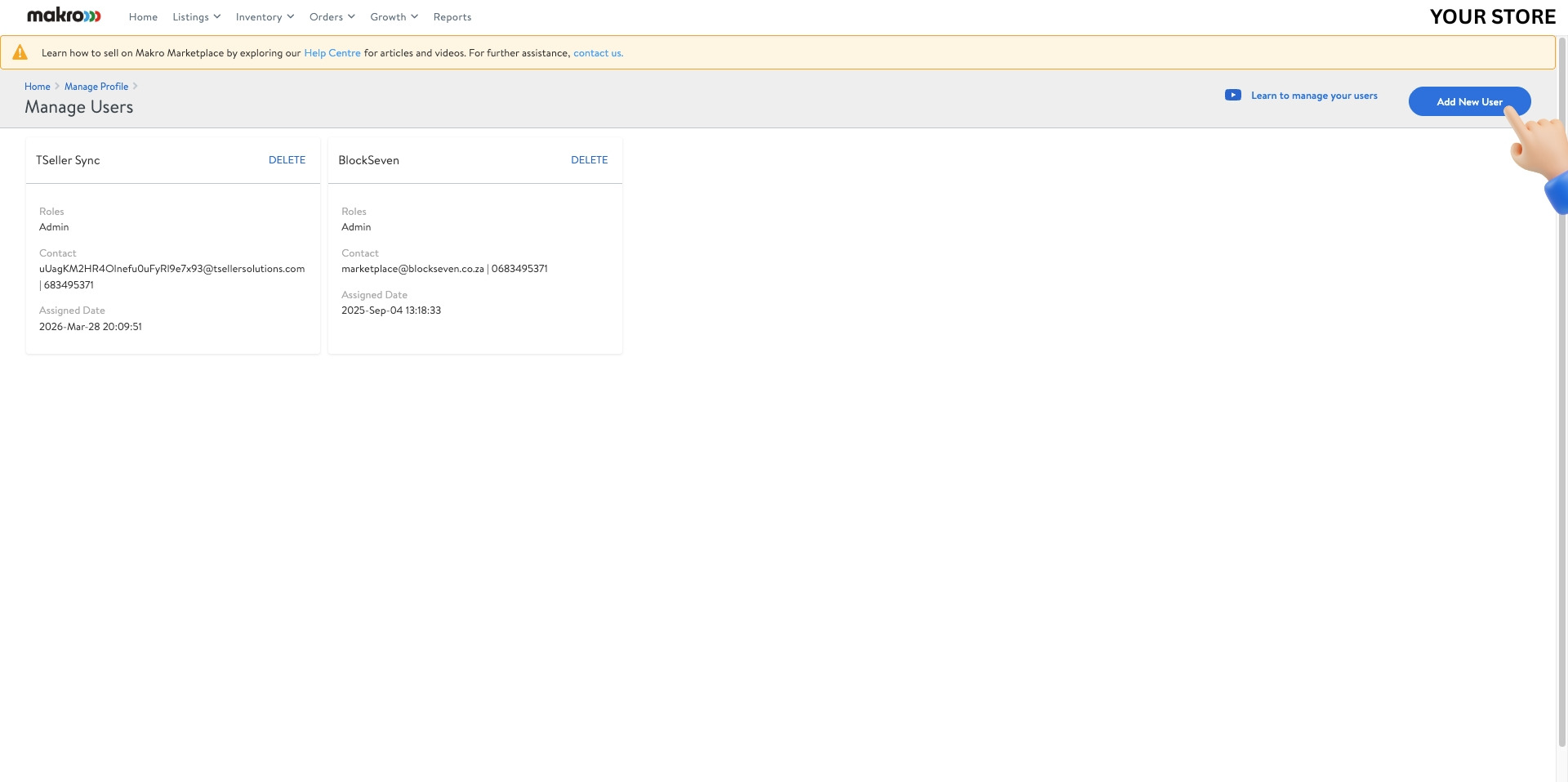
Add a new user
Click Add New User in the top-right corner to create a secondary admin user for TSeller.
Enter TSeller sub-user credentials
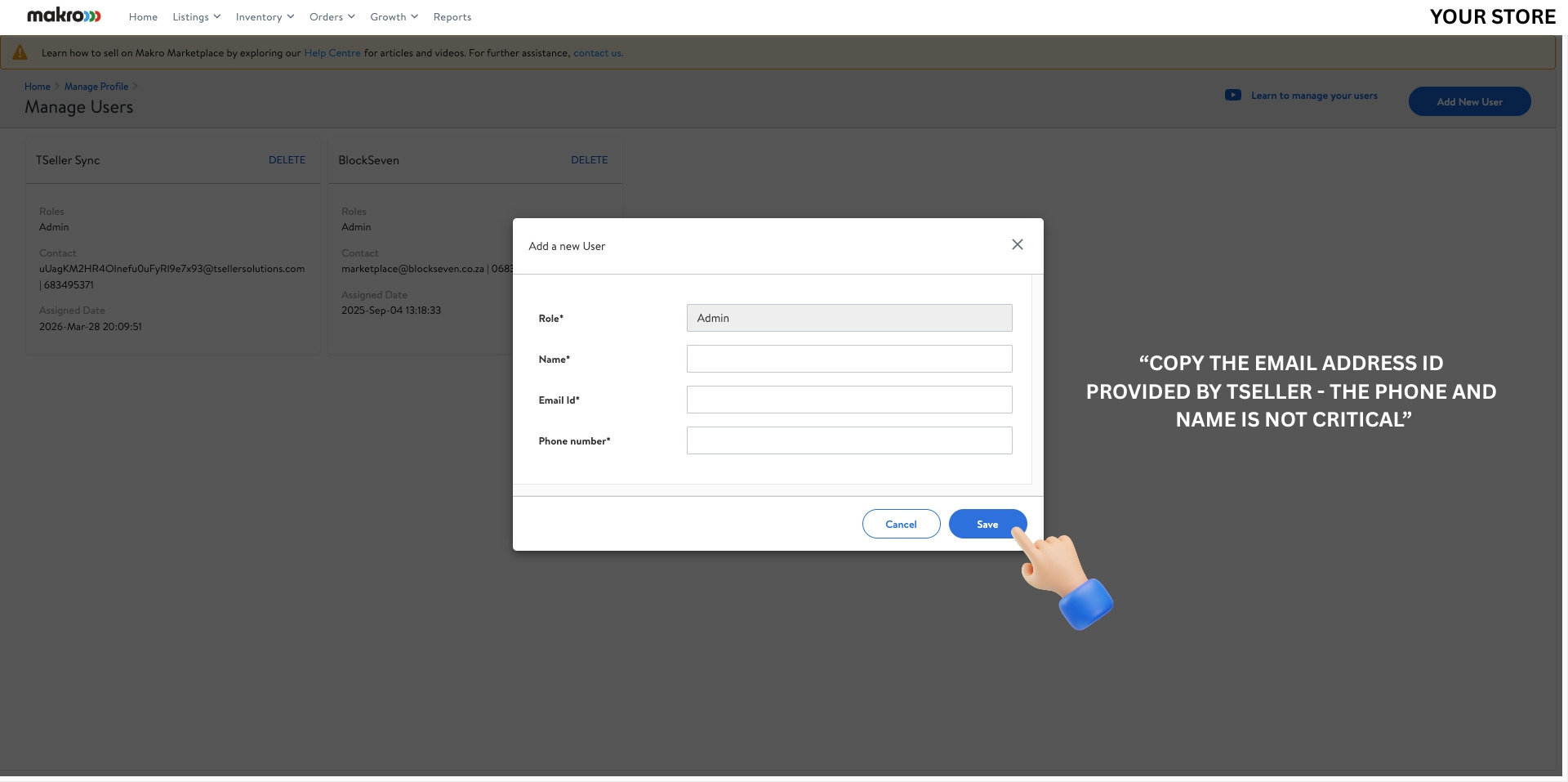
In the Add a new User dialog, set the Role to Admin. Copy the Email ID provided by TSeller and paste it into the Email Id field. The Name and Phone number are not critical — enter any values. Click Save.